
Checklists & Forms
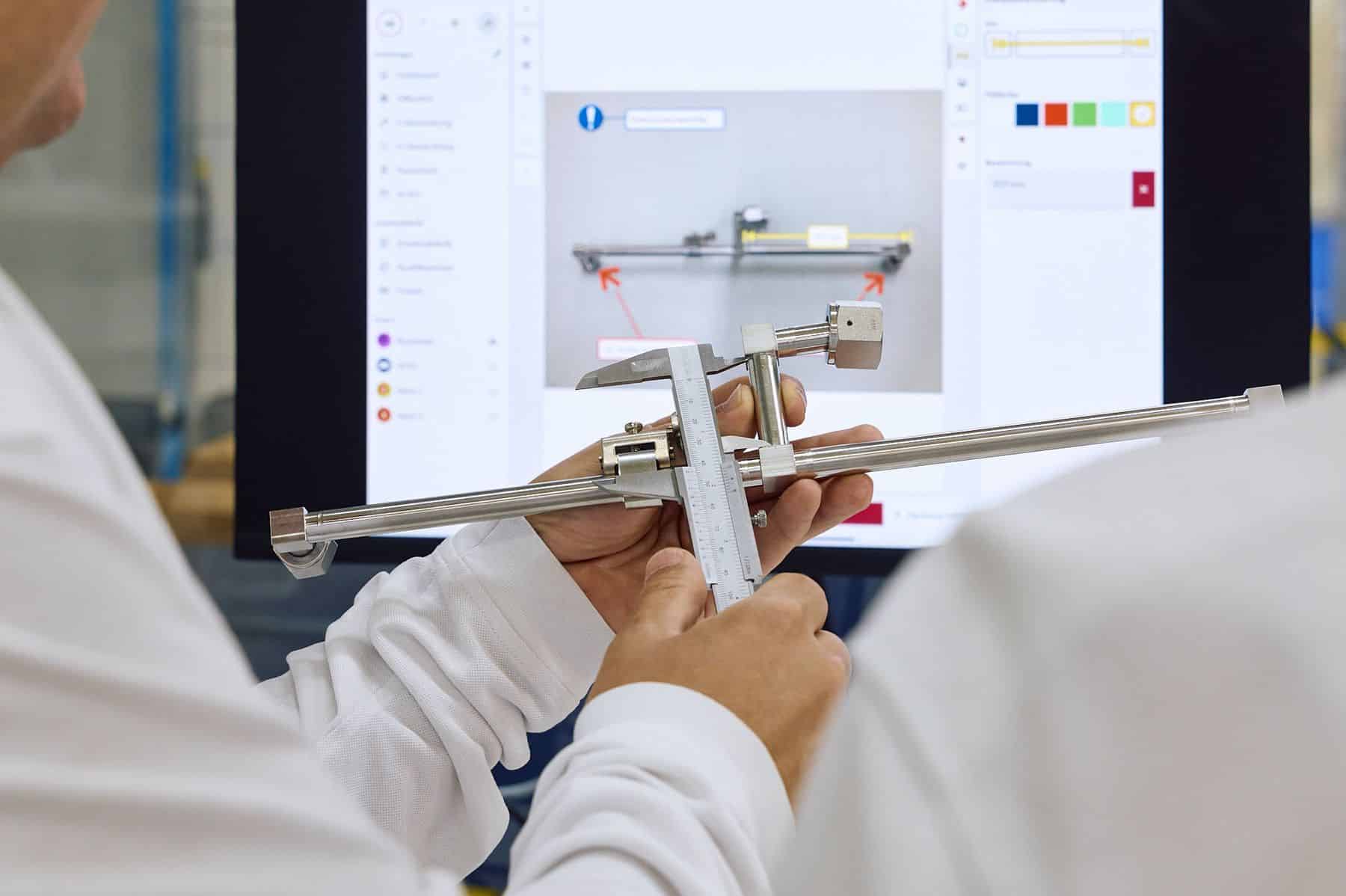
With the form function, you can create protocols, checklists, activity reports, suggestions for improvement and other forms in just a few minutes and integrate them into your digital instructions.


- Form elements
- Formatted input
- Barcode & QR code
- Calculation
- Multi Media upload
- Signatures
- Dynamic workflows
- Export of form data
Standard form elements
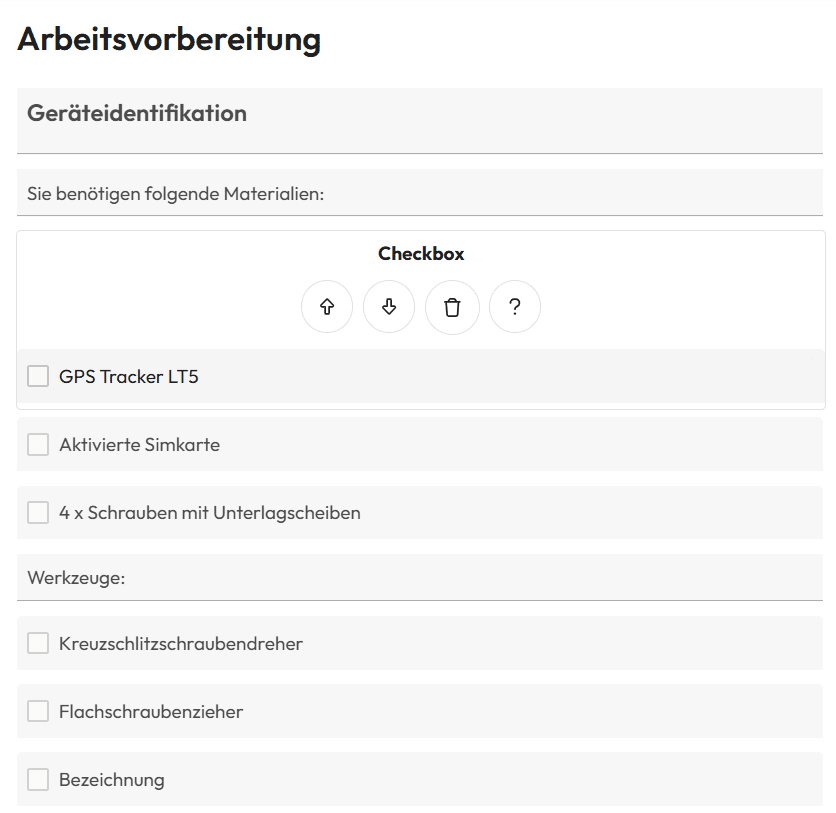
Our standard form fields offer a variety of input options, including text, number and decimal fields as well as date entries, checkboxes and selection fields in different variants.
Fields can be defined as optional or mandatory. The next step can only be carried out once all mandatory fields have been completed.
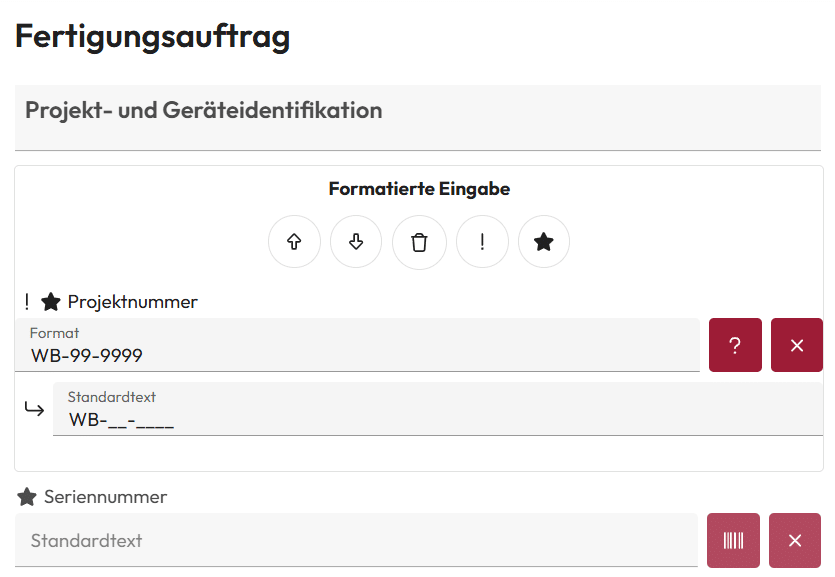
Formatted input
Formatted input fields facilitate data entry, minimize errors and ensure consistent presentation of information.
Barcode & QR code
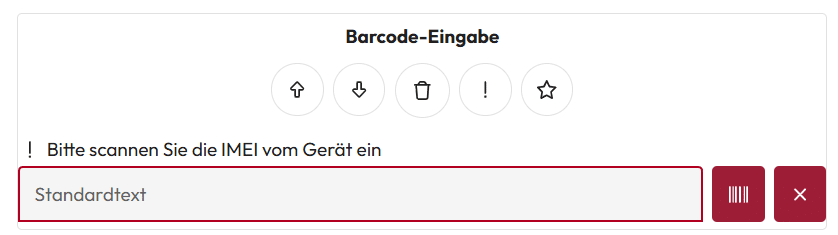
Thanks to the integration of barcode and QR code fields, the user can scan codes with the tablet camera. This allows serial, order or project numbers to be recorded quickly and error-free.
Calculation
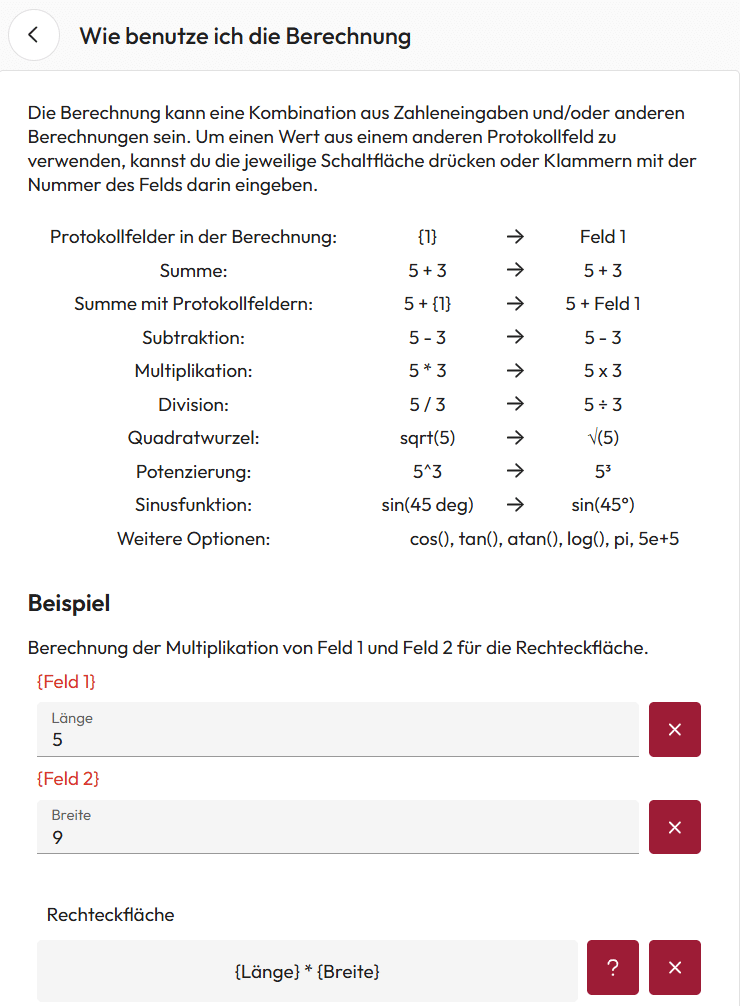
In addition to conventional input fields, our forms also support calculations. Numerical values can be integrated into formulas so that calculations, such as area determination, can be carried out directly in the form.
Multi Media upload
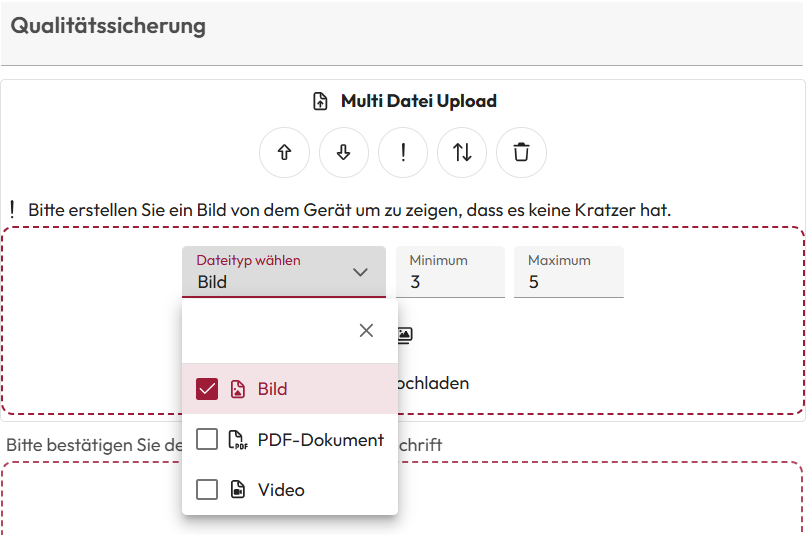
Photos and videos can be taken directly via the camera and uploaded to forms. This function is ideal for documenting proof of work or damage.
In addition, multiple images can be uploaded at once to document processes comprehensively. It is also possible to flexibly define the minimum and maximum number of required image proofs.
Signatures
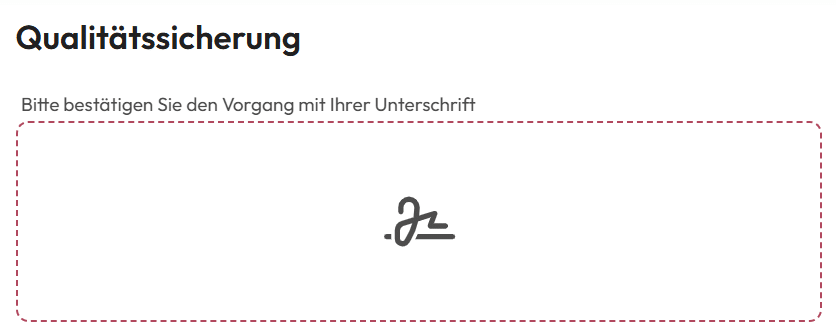
With the signature field , users can provide a digital signature directly in the form. This function is particularly useful for activity reports or critical work steps to ensure traceability and responsibility .
Dynamic workflows
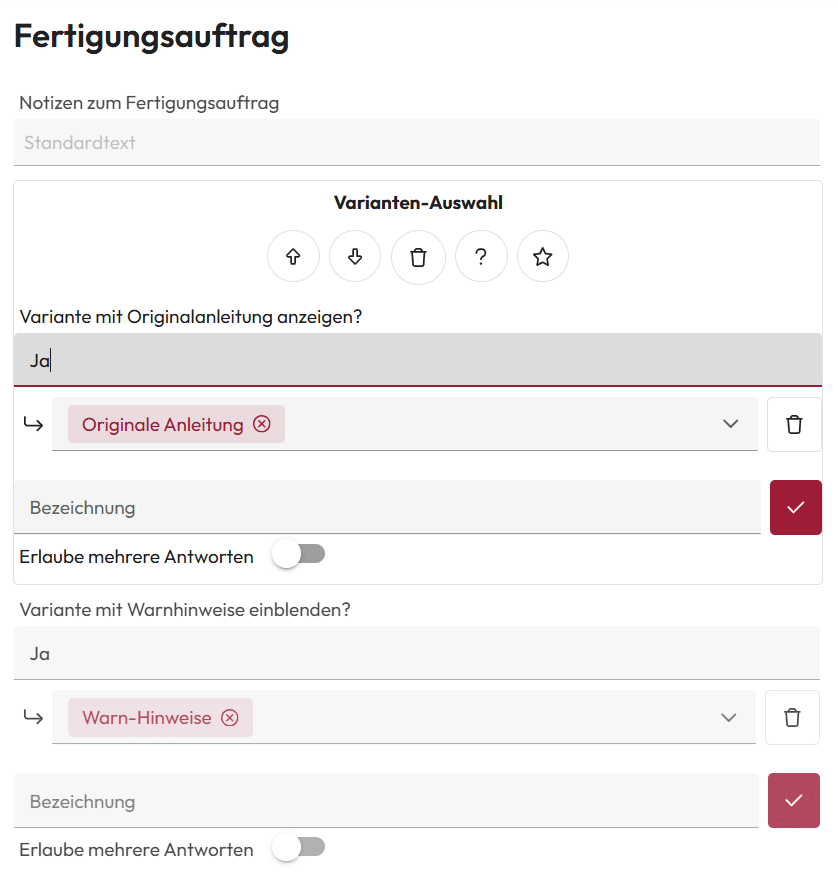
Workflows can be flexibly controlled with the “variant selection”. Depending on the form entries, relevant work steps are automatically displayed so that the instructions are dynamically adapted.

Export of form data
All form entries can be exported as Word or PDF documents and transferred to leading systems via interfaces.
For example, the life cycles of machines, including all service and maintenance work and spare parts used, can be fully documented and transferred to PLM or PDM systems for archiving.
We are delighted with the trust placed in us by many satisfied customers!