


What is worker leadership?
Digital Worker Guidance
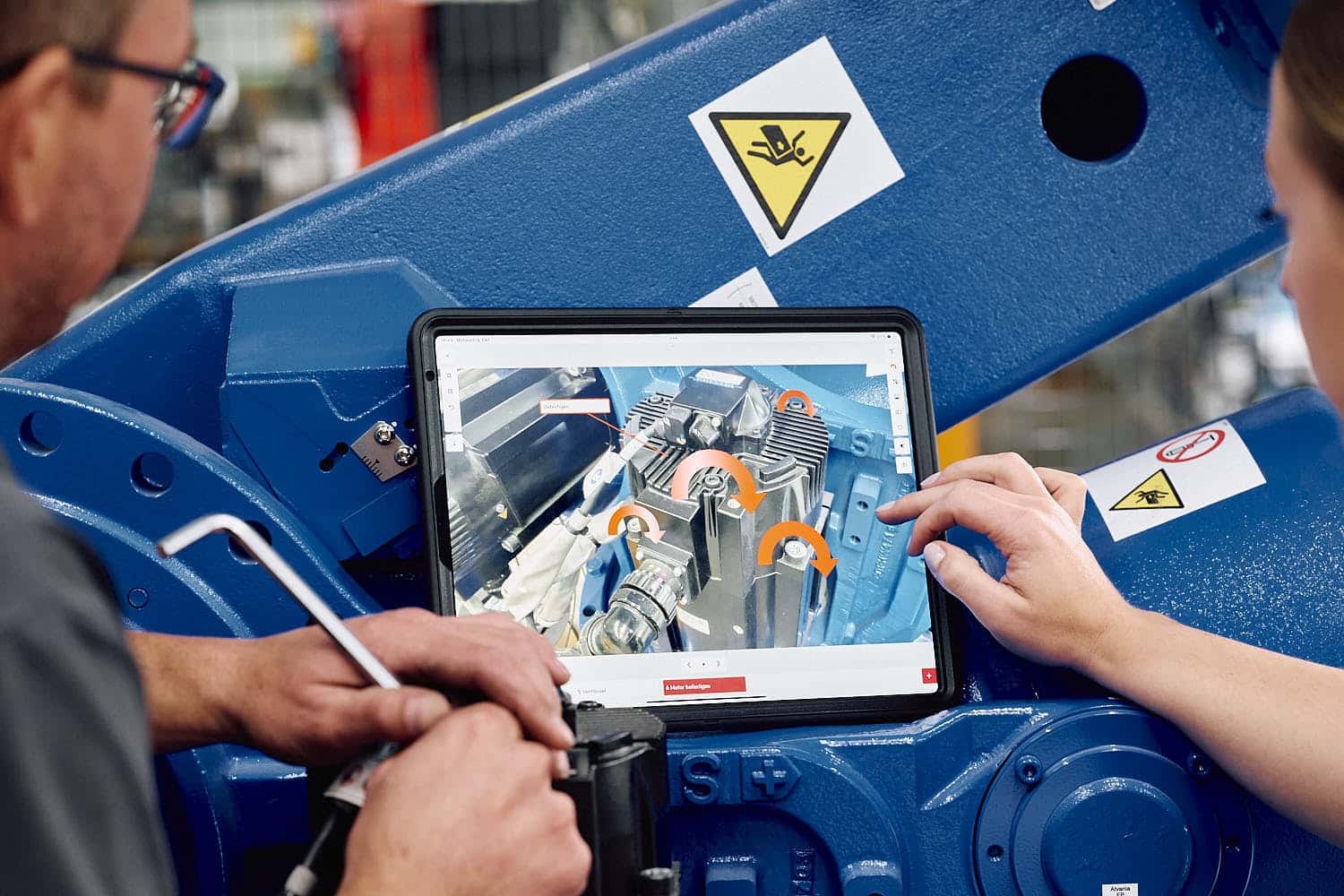
Within the overall quality management framework, optimized worker guidance often seems like just a minor detail at first—but it has far-reaching implications. In broader terms, we’re talking about an employee information system that converts tacit knowledge into explicit knowledge. Specifically, digital worker guidance provides skilled workers with tailored, multimedia work instructions directly at their workstations—whether via tablets, smartphones, or fixed monitors mounted on the machine—and eliminates the time-consuming task of flipping through file folders.
Digital Work Instructions for the Perfect Workflow
The more complex a workflow is, the more important it is to have specific guidelines for each individual step. An experienced team member isn’t always standing by every machine, and not everyone has the same level of knowledge about production processes. But for an optimal workflow, there can be no bottlenecks—which is why quickly accessible instructions are needed at key points.
In the age of digitalized industry, this doesn’t mean that a supervisor has to rush over whenever a few steps are unclear.
Feel free to contact us now for an initial consultation.
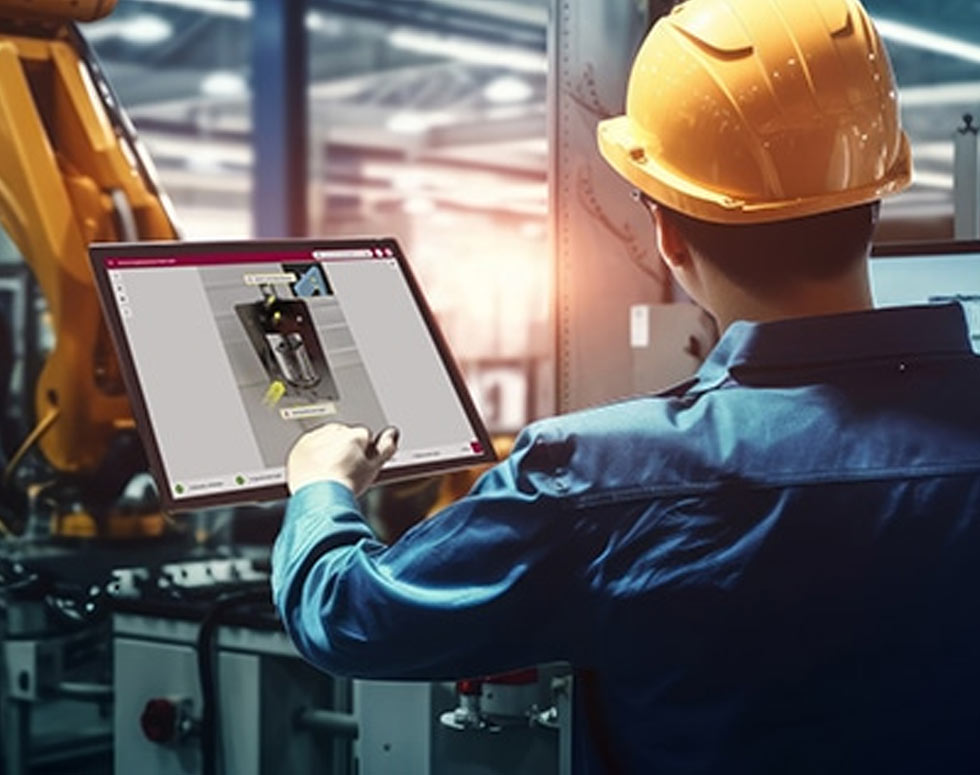
Process assurance is easy—with the tepcon worker assistance system “instructor”.

Ihr tepcon team
Phone: +49 771 8983 278
Email: contact@tepcon.de
Date: Book now

What are operator assistance systems and operator guidance systems?
In professional circles, there are many terms that often mean the same thing or are at least very similar in meaning. This also applies to the terms “operator guidance,” “operator guidance system,” and “operator assistance system.” They are often used synonymously, that is, as having the same meaning. These terms generally refer to specialized software that provides visual instructions for the workplace. These are often assembly workstations where many different, clearly defined processes are carried out. These processes can be well structured, and operator guidance helps guide both trained and less-trained workers through the entire process.
Focus on People: Challenges in Modern Manufacturing
The industry faces enormous challenges. Declining batch sizes, an ever-increasing variety of product variants, and rapidly changing customer requirements shape the day-to-day work in manufacturing and assembly. The logical consequence: Workflows on the assembly lines are constantly changing, and workers must continually adapt to new tasks.
Which industries benefit most from a worker guidance system?
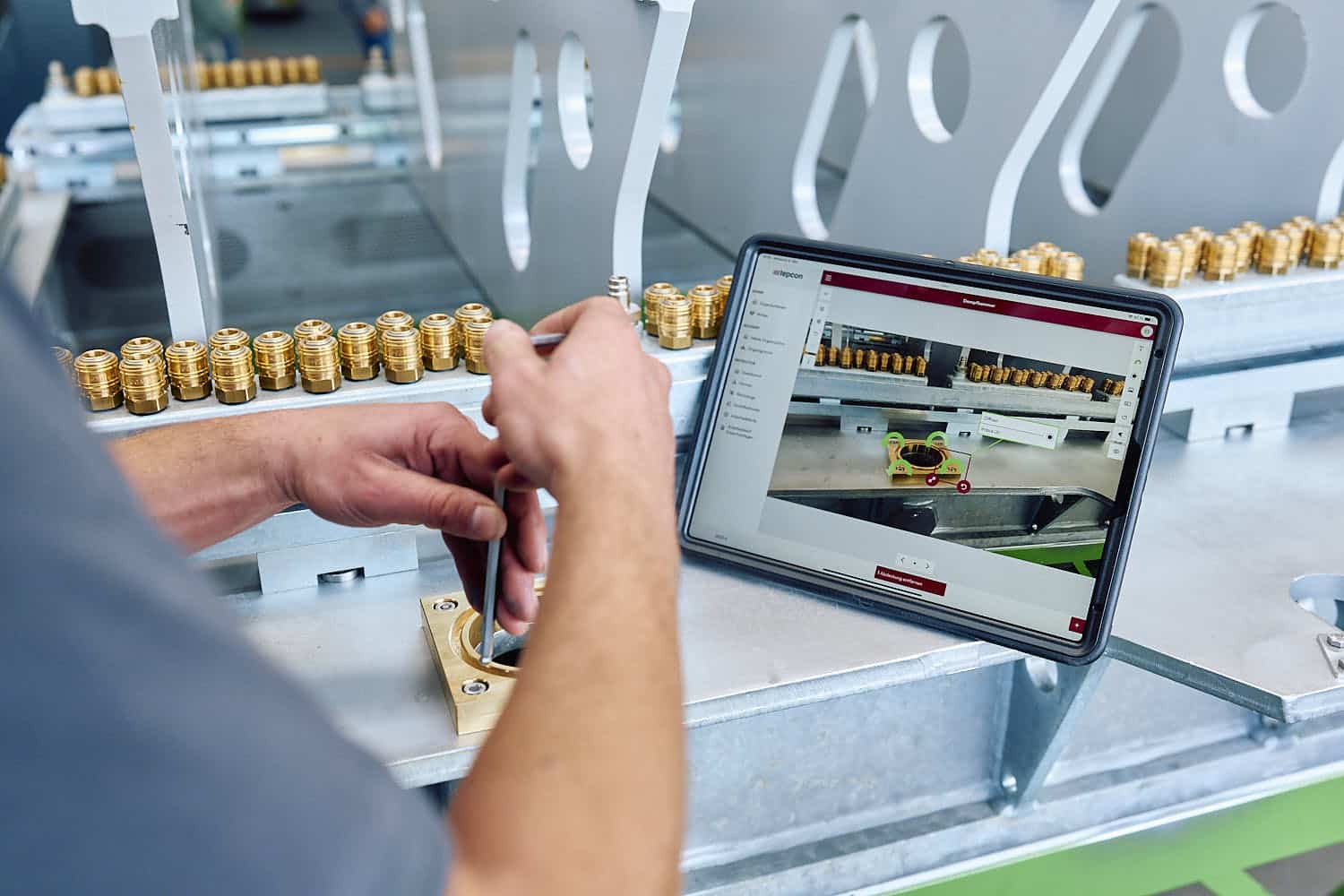
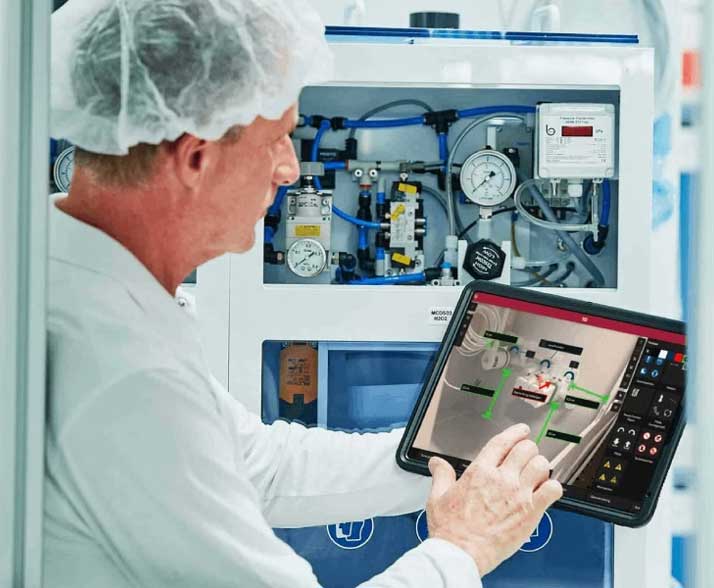
Across all industries, digitalization has revolutionized the way we work over the past few decades. Worker guidance systems like the tepcon instructor are flexible and adaptable, which is why they can be used in a wide variety of industries. This is evident in the numerous user examples that highlight the success of our digital assistant.
Find out here in which industries our assistance system has already proven itself in practice, and discover the possibilities for your own business.
Types of Digital Worker Guidance

Software Platforms and Digital Delivery
Hardware and Sensors: Pick-by-Light and More
Fixed Workstation Systems
Mobile Devices
Benefits of Digital Worker Guidance
Assistance systems for workers simplify processes at every level and ensure error-free and more efficient operations within the company.
Minimal Documentation Effort
The system automatically logs every step of the process in the background. This means you don’t need to assign additional staff to handle documentation tasks, while at the same time gaining more structured data for your quality management.
01
02
Less Preparation
Easy-to-understand instructions significantly shorten the training period. They save time and personnel resources when new employees start or colleagues step in as substitutes.
Secure Processes
Clear, step-by-step instructions break down complex workflows into their essential components. Since employees can access additional information right at their workstations, confusion is prevented before it even arises.
03
04
Relief for the Team
Digital support takes the pressure off day-to-day work. When employees know that all guidelines are reliably available, it gives them a sense of security and fosters a sense of accomplishment.
Full Transparency
Field workers, planning, and scheduling teams all work together in a single system. This ensures that everyone involved is aware of the current order status and that company knowledge is centrally stored.
05
06
Real-Time Quality Assurance
The system not only controls the assembly process but also collects key data in parallel. Thanks to this continuous data collection, every piece of feedback—whether a checked-off checklist item or a confirmed component—is immediately sent to quality assurance. If the system reports a deviation, service teams and experts can respond promptly and reduce error rates over the long term.
See the tepcon instructor in action
Watch the recording of our presentation “Knowledge Retention – Strategies Against the ‘Monopoly of the Mind’” at the EMO Innovation Stage 2025 here.
You are currently viewing a placeholder content from Vimeo. To access the actual content, click the button below. Please note that doing so will share data with third-party providers. More Information

Why Choose tepcon’s Worker Guidance System?
The benefits of using this software quickly become apparent in day-to-day operations. It provides targeted support for your company in four key areas:
- Improve quality: You reduce errors and reliably ensure your standards are met.
- Increase productivity: Your teams work more smoothly and efficiently.
Step-by-Step Guide to Digital Worker Guidance
With our user-friendly software, you can create documentation without extensive training. You can efficiently create instructions using your smartphone or tablet right at the machine.

Insert Images & Text

Integrate Symbols

Use Player Mode

Follow the steps
Work through the checklists
About tepcon: Your Partner for Practical Digital Transformation
Since 2002, tepcon GmbH has been supporting companies as a reliable partner in digital transformation. Our goal is to make your processes more efficient and noticeably simplify your day-to-day work. Trust forms the foundation of our work—because solutions that benefit both sides in the long term can only be created when we work as equals.
With over 20 years of experience, we make technological change tangible for you.
