


Create digital instructions
Create digital instructions
Work instructions are becoming increasingly important in times of a shortage of skilled workers. Here you can find out what you need to bear in mind and how to create work instructions efficiently with the “instructor” tool:
- Directly correct execution of the work,
- 100% transparency through automated data collection,
- thereby reducing bottlenecks
- Seamless optimization of work steps and product quality
- as well as parallel training of employees.
Contact us now for an initial consultation.
Our tool for work instructions means: more time for more efficiency!

Your tepcon team
Telephone: +49 771 8983 278
E-Mail: contact@tepcon.de
Appointment: Book now
What is a digital guide?
Many steps are often required to assemble a product or system before it is complete. To support the assembly process, employees need instructions on the steps they need to follow for assembly. This instruction usually guarantees correct assembly in an efficient, process-reliable time frame.
A digital work instruction is the most modern and efficient solution here.
Why is it so important to create good digital instructions?
Who has to do what, when and how ensures that the assembly of a product is carried out correctly. Standardized and efficient work steps are defined in instructions to ensure consistent quality across the board. Errors are avoided and costs are saved.
Create work instructions:
What tools should I use?
Just a sheet of paper and off you go? It may seem the simplest and cheapest option at first, but at second glance it’s not worth it at all. Even the most important criteria for aids when creating a digital manual show that software programmed for this purpose very quickly pays for itself:

Fast initial creation of the instruction
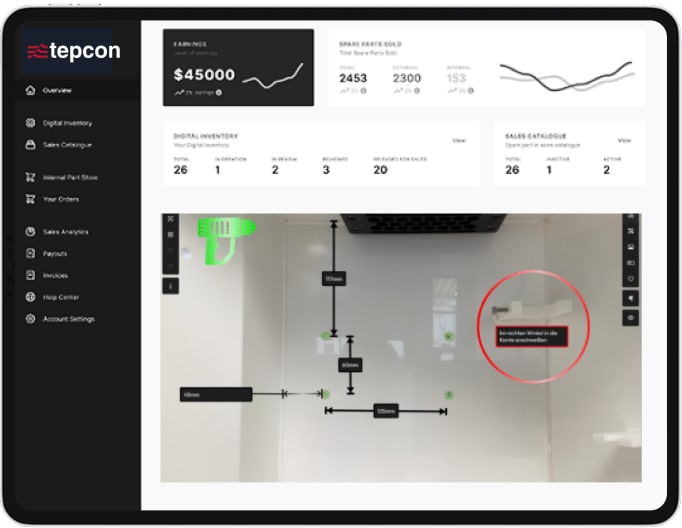
Thanks to the intuitive software, comprehensible work instructions or recipes can be created quickly and easily. No programming knowledge is required.

Simple and customizable update options
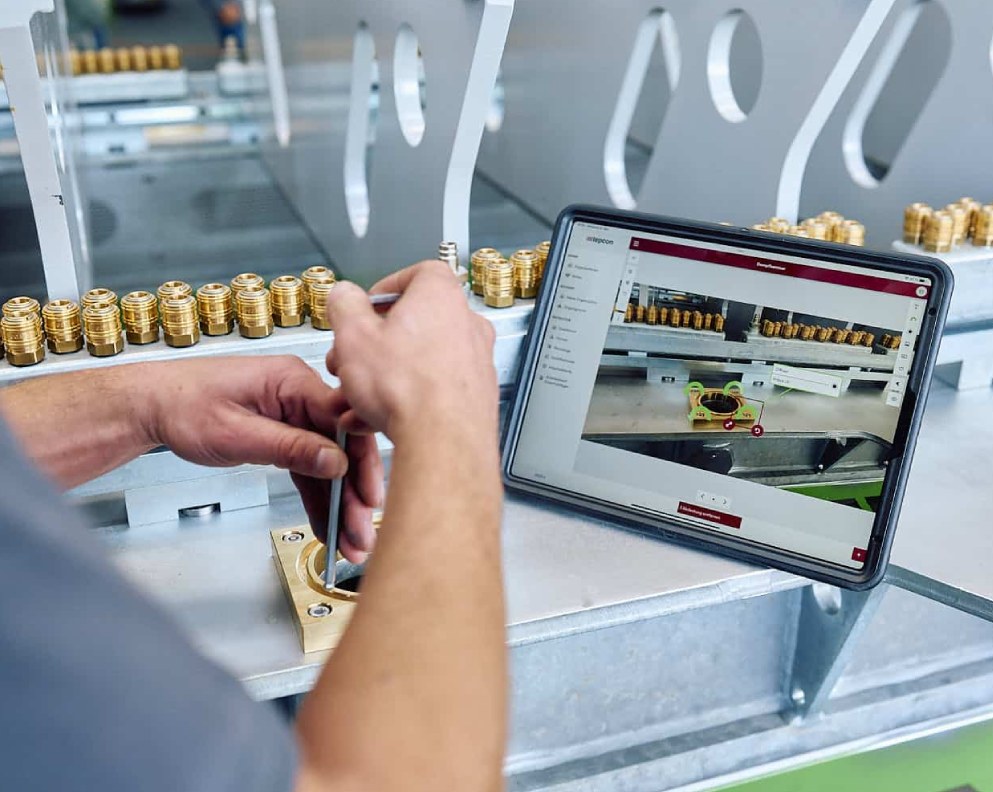
Your employees have access to their instructions at every workstation via tablet or similar. access to their instructions. They can place information anywhere and feed it back to increase the quality and rate of feedback. This in turn has a positive impact on product quality.

Option to integrate visual components such as icons or videos
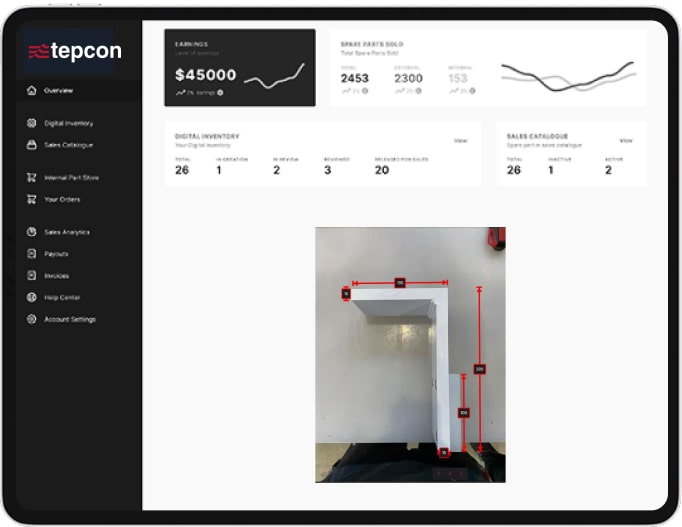
Drag and drop integration of images and implementation of symbols or symbols with text modules makes handling very intuitive.
Advantages of digital instructions
Good work instructions make the company many times more efficient. To name just the most obvious advantages:
Less work preparation
Thanks to clearly defined work steps, installation can start immediately without having to make time-consuming preparations.
01
02
Error-free processes
Once the work steps have been set up properly, they help to avoid errors and keep processes as planned.
Relief for employees
The step-by-step training of employees means that even career changers can easily implement the defined tasks.
03
04
100% transparency
Good digital work instructions are clear, understandable and target-oriented and therefore 100% transparent for the user.
Low documentationeffort
Familiarization in a short time with well-prepared assembly instructions is an advantage for employers and employees alike.
05
See us in action for yourself
Watch the recording of our webinar here
on the topic “Challenges in the crisis”:
You are currently viewing a placeholder content from Vimeo. To access the actual content, click the button below. Please note that doing so will share data with third-party providers. More Information
Frequently asked questions
What should be included in digital instructions? Here are the key questions that you can use as a guide when creating work instructions:
What needs to be done?
Under what conditions must it be done?
How should it be carried out?
What does it have to be done with?
What is the purpose of the work?
How long does it take?
Benefit from sophisticated functions
Countless functional features make the “instructor” a well thought-out, user-friendly and grateful tool.
- Change tracking is also possible at any time due to versioning.
- By logging the work steps, errors can be eliminated more quickly and processes optimized.
- Thanks to the browser-based cloud solution, the “instructor” can be accessed from anywhere at any time.
- Single sign-on makes it possible to use the “instructor” immediately by logging in once.
- Translations can be implemented in the system with just one click.

About tepcon: We stand for trust and expertise

Why are we here?
Trust is important to us because it is one of the values that basically stand for a win-win situation and thus form the basis for successful long-term cooperation.

We make technological change practicable for you.
Our experts have been looking after you for many years, which in turn benefits our value of “trust”. We look forward to talking to you every time you contact us!
One of many success stories!
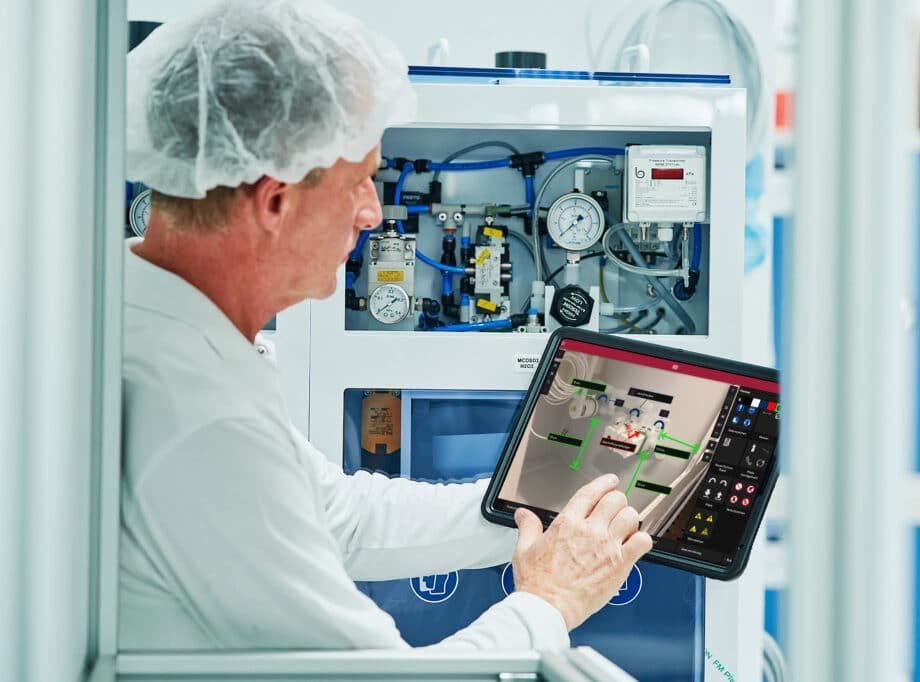
AP&S International GmbH, a manufacturer of special machines for microchip production, optimized its production processes with the help of the tepcon “instructor”. The challenge was to create work instructions as digital, structured manuals. The integration of tablet PCs and QR codes enabled mobile and efficient access to relevant documents.
“Specifically, the construction time for a CB III was reduced by more than 50 percent. The time saved more than doubled the output quantity.”
We are delighted with the trust placed in us by many satisfied customers!








Become part of our success story too
The tepcon “instructor” is a browser-based software for work instructions, assembly instructions and service documentation. As a user, you can access it from any computer or mobile device and thus increase efficiency in your company:

Get in touch

Let us advise you
We set up the tool!

Benefit from our support
