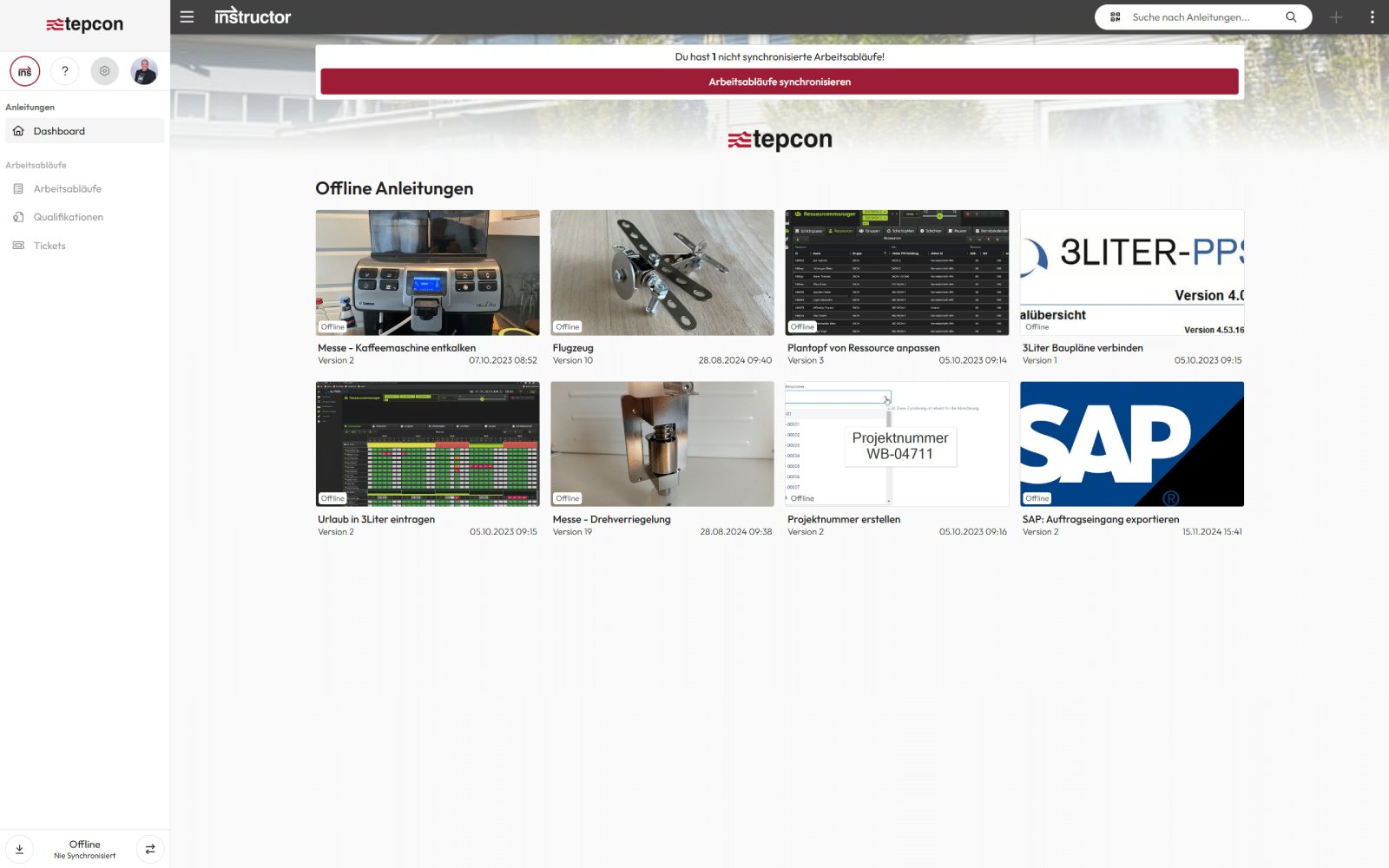
Offline availability
Thanks to the offline function, instructions can be downloaded directly to mobile devices and used without an internet connection. A conventional browser such as Chrome, Edge or Safari is all you need – without any additional plugins. This means that important information is always to hand, regardless of whether you are working online or offline.


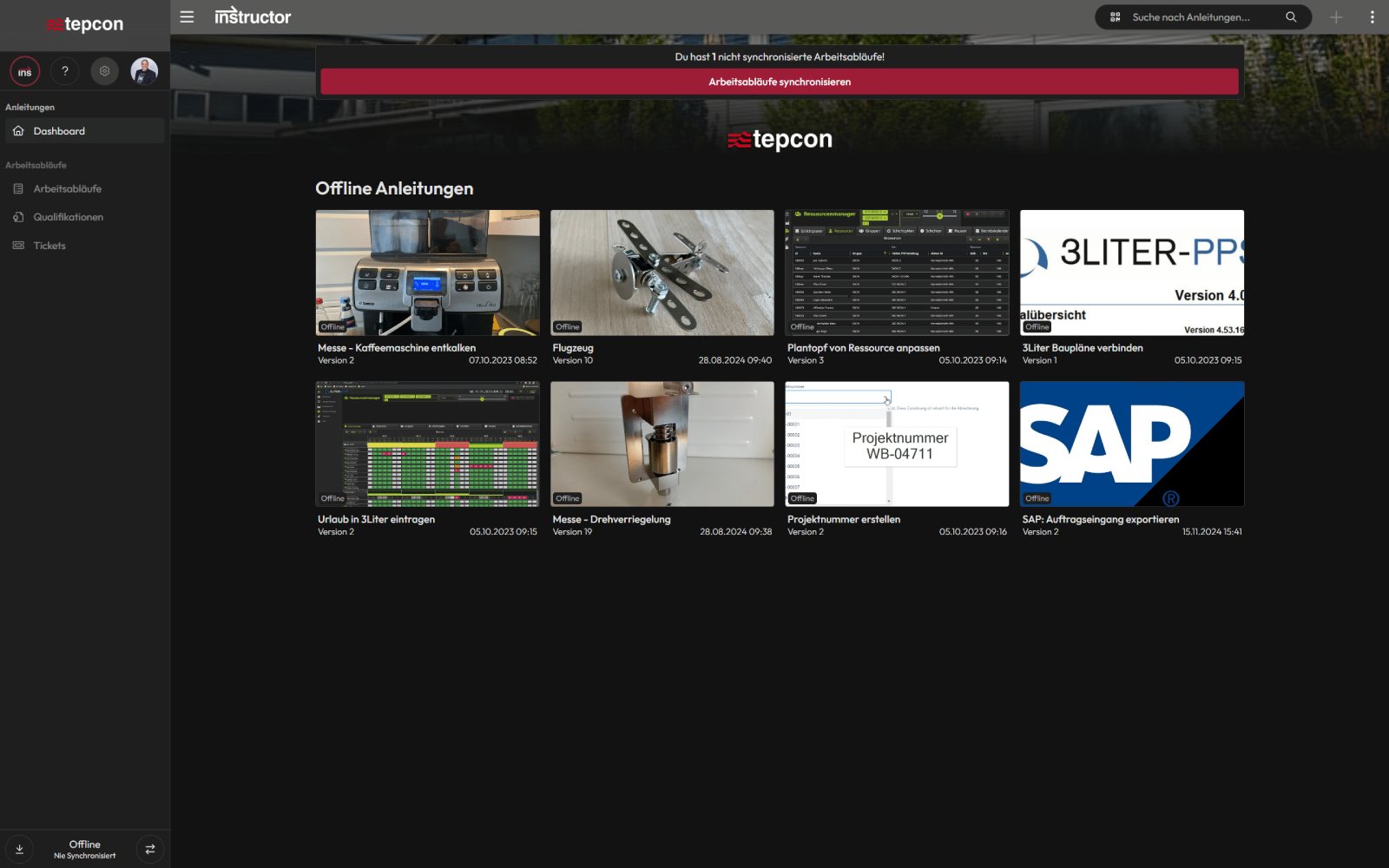
- Synchronization
Synchronize offline workflows
Instructions and work instructions can be specifically marked for offline use and downloaded to mobile devices. This means that all important information remains available at all times.
Offline workflows or completed forms are automatically synchronized with the portal as soon as an Internet connection is re-established – for a smooth and efficient workflow.