
Search & retrieve instructions
Even more important than the simple creation of work instructions is quick and targeted access to them – exactly when and where they are needed.
Thanks to the instructor’s advanced search function, you can find the right instructions in seconds.


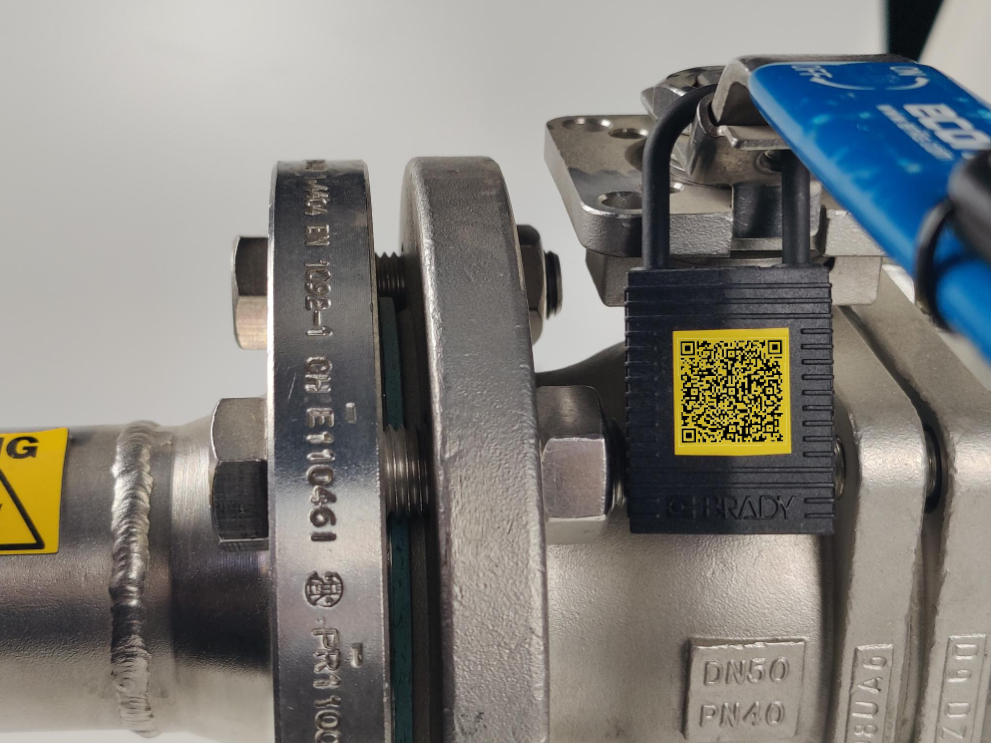
- Advanced search function
- Tags & full text search
- Share work instructions
- QR code or barcode
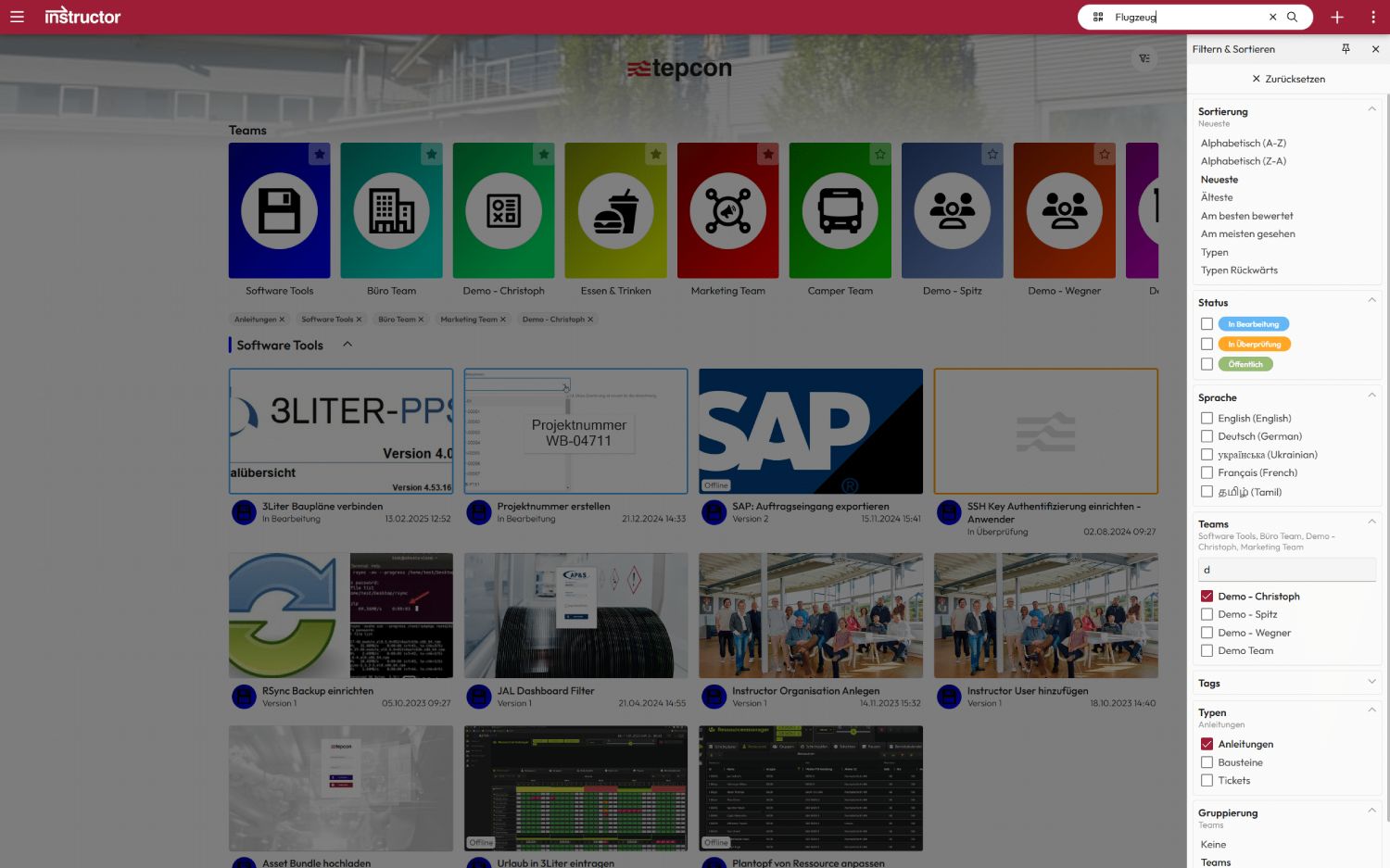
Advanced search function
With the filter bar in the dashboard, instructions can be found quickly and specifically in the portal. Users can save their individual filter settings so that frequently used instructions are directly available at all times.
Favorite content can also be marked so that it can be accessed even more quickly – for an efficient, clear and customized way of working.
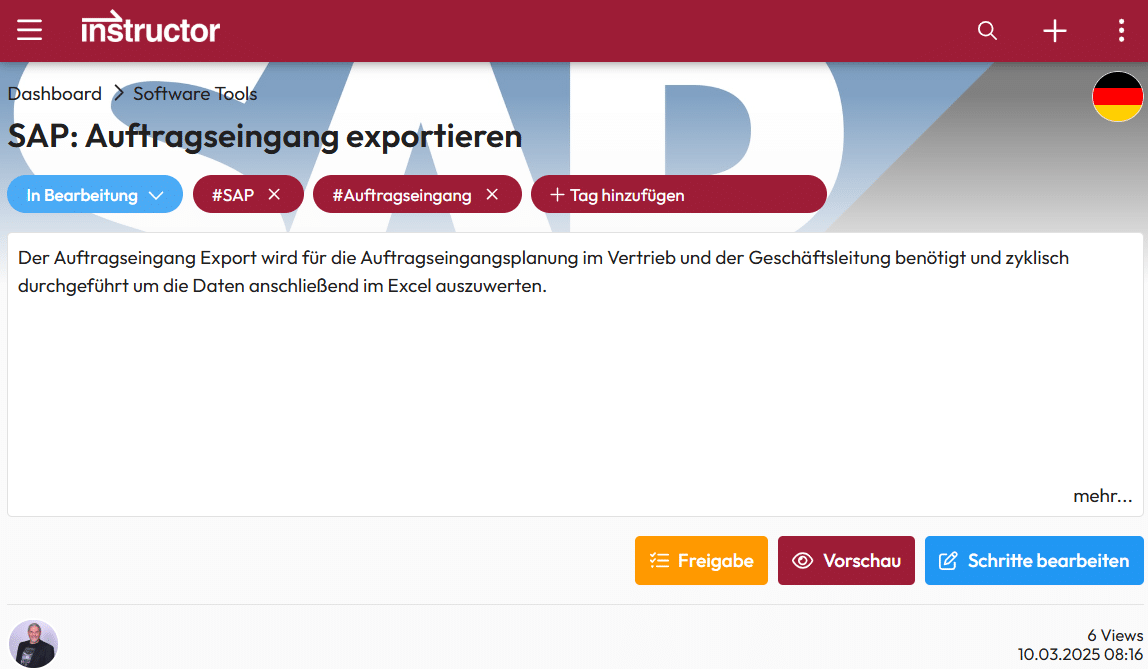
Tags & full text search
Instructions can be specifically tagged using the tag management function. This means that content can not only be found using the full text search, but can also be filtered according to relevant topics.
This facilitates quick access to the required instructions and ensures even more efficient organization.
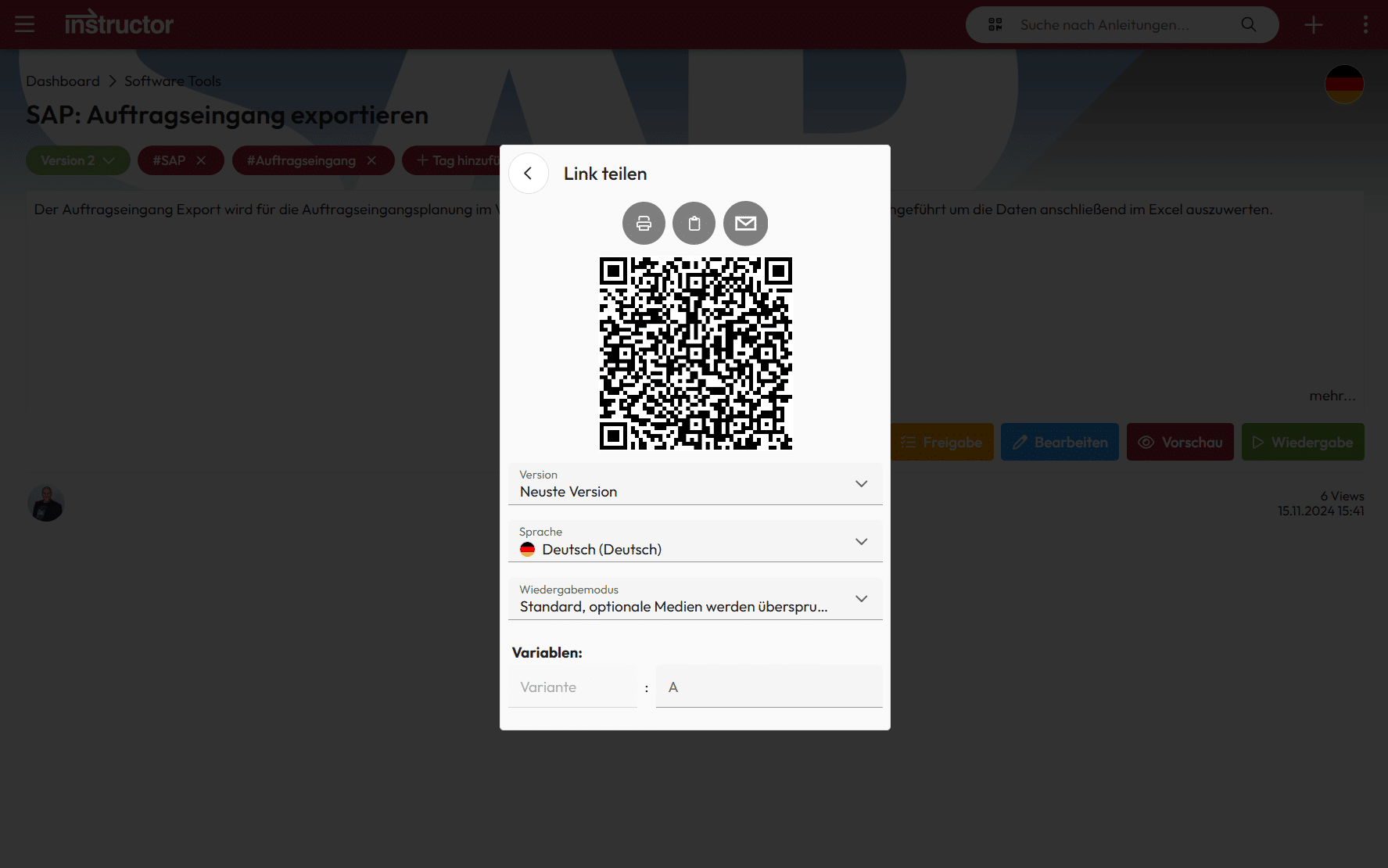
Share work instructions
With the share function, instructions can be forwarded quickly and easily by e-mail, messenger or QR code – exactly where the knowledge is needed.
This saves everyone involved time and stress in the long term and helps with future assignments. – Valuable knowledge remains available and easily accessible at all times.
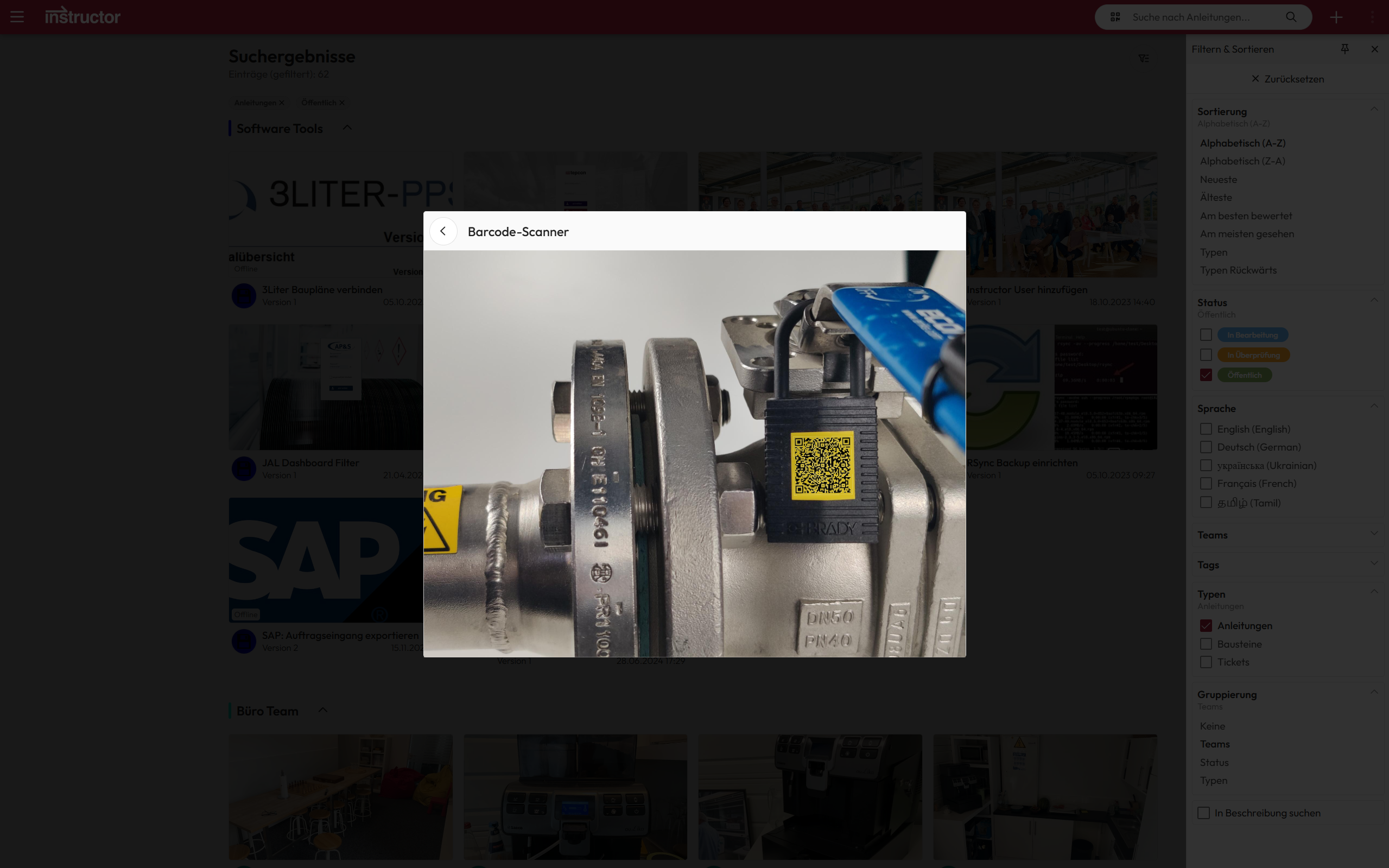
QR code or barcode
Work instructions and manuals can be easily linked to existing QR or barcodes. Instead of attaching additional codes, existing product labels such as EAN codes can be used.
All it takes is a simple scan with the tablet and the employee immediately receives the right instructions – quickly, efficiently and without additional effort.
We are delighted with the trust placed in us by many satisfied customers!