Step media

The various step media can be used to communicate work steps in an understandable and sustainable way

Administration
  • Marker image
  • Videos
  • PDF documents
  • 3D contents
  • Layouts
  • External content
  • Global documents

Marker image

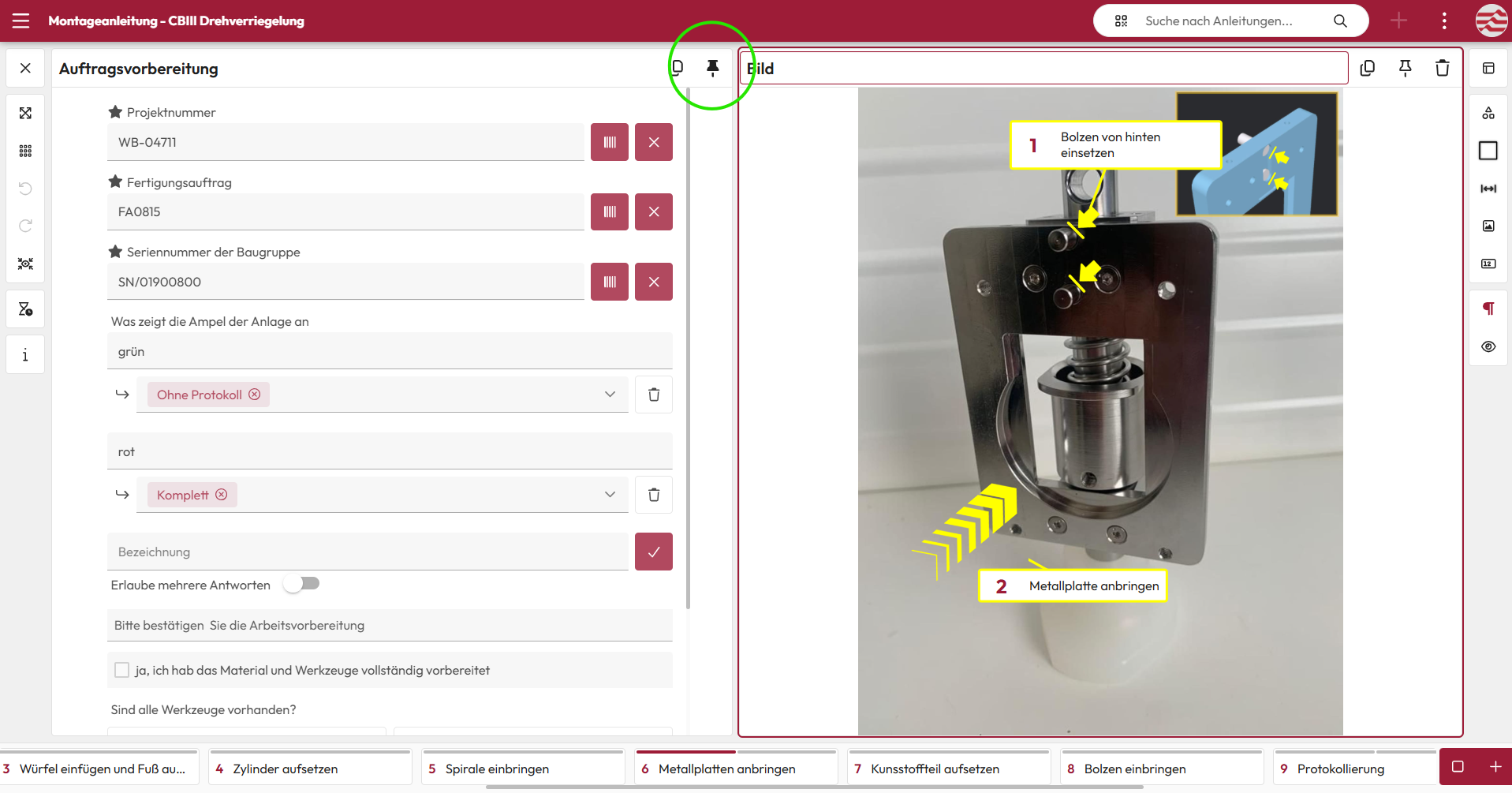
You can use your smartphone or tablet to take marker images or upload and edit existing images. Important content can be marked, while confidential information can be blacked out.

Easily document manual operations and dimensions directly in the image. In addition, areas can be colored transparently and hazard, warning or mandatory signs can be added with just one click – for a clear and comprehensible presentation

Screenshot: Marker image with picture-in-picture
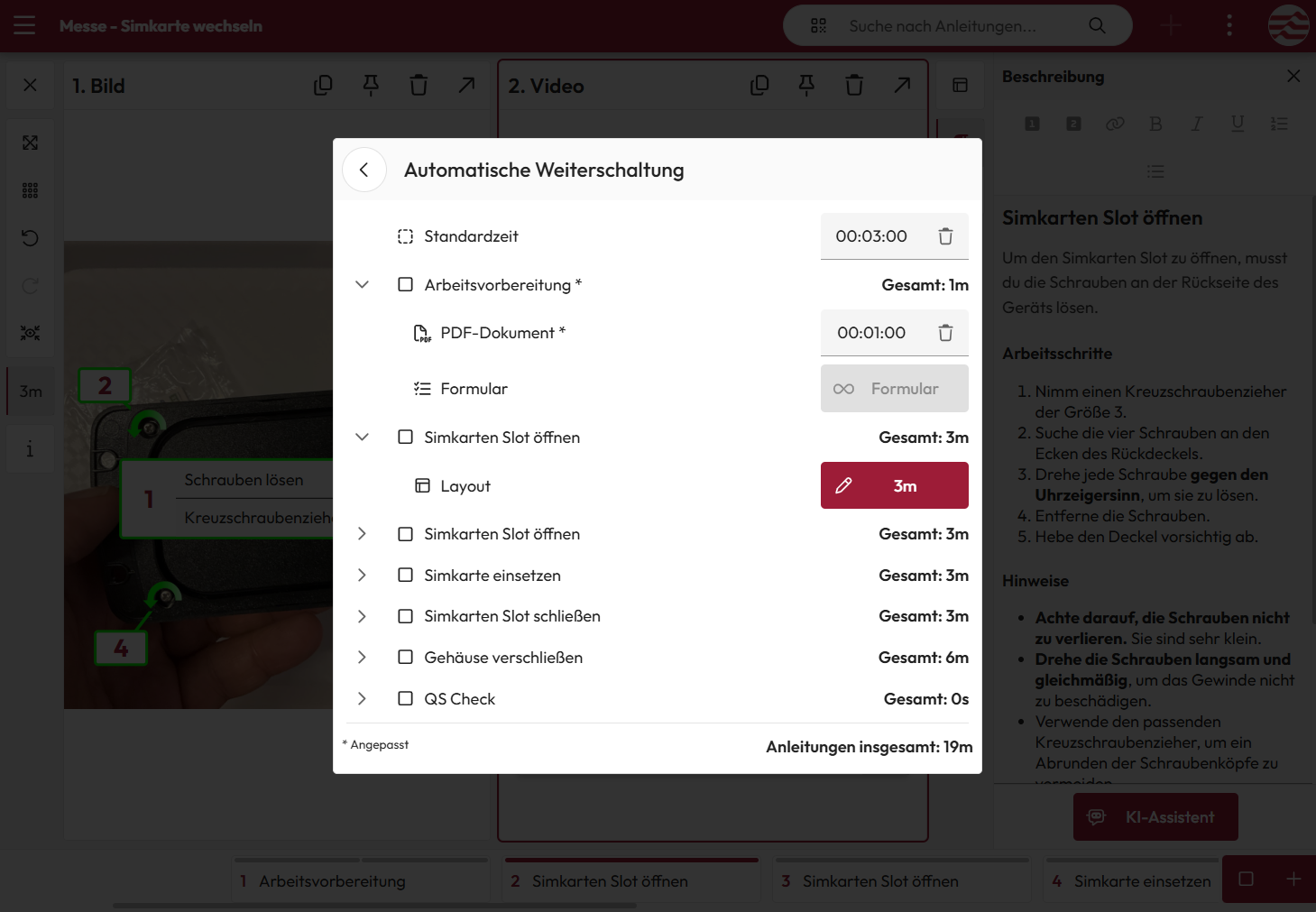
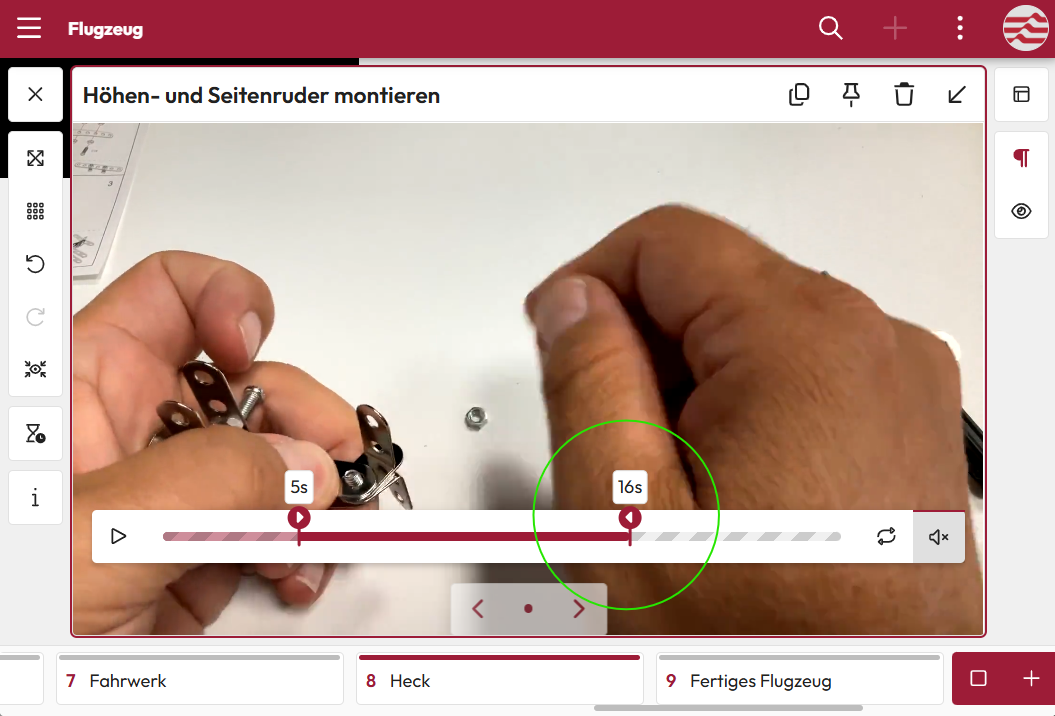
Screenshot: Step media video

Videos

Short videos are ideal for clearly communicating complicated work steps. They can be recorded just as easily as in WhatsApp and integrated directly into instructions.

This allows you to create complete video instructions or supplement classic instructions with videos – for even more comprehensible and practical support.
PDF documents

To ensure that your employees can access all the documents they need at any time and work independently, any PDF documents can be integrated into the manual. Whether circuit diagrams, flow charts or other technical documentation – all important documents are always available and easy to access.

Screenshot: Step media PDF Flowchart
Screenshot: Step media 3D CAD data

3D contents

3D CAD data can be inserted into instructions just as easily as images. They enable employees to view the workpiece or work step from any perspective.

This means that they are not dependent on a fixed viewing angle, but can view the component or process independently from different perspectives – seeing is understanding – and even better with 3D.

Layouts

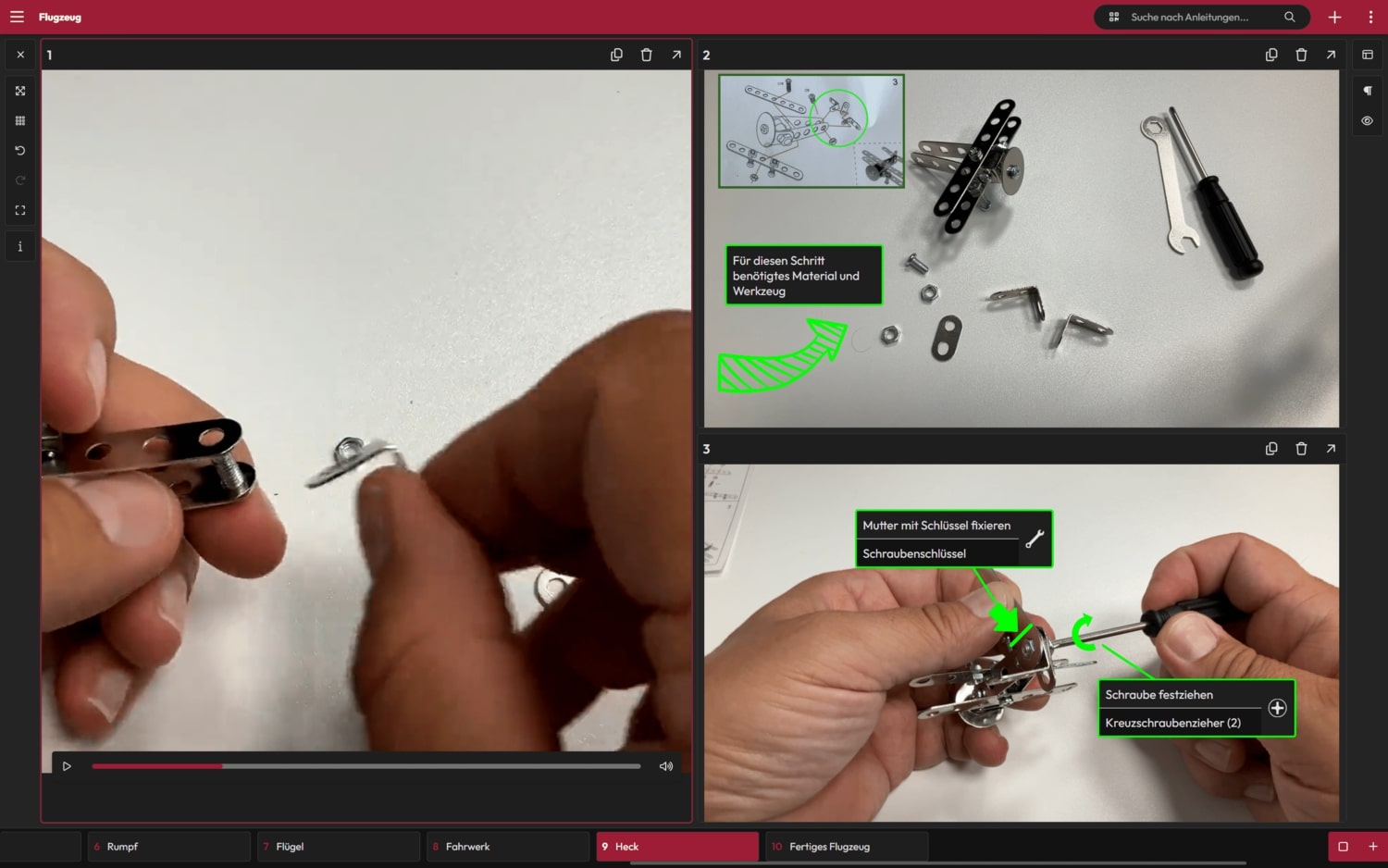
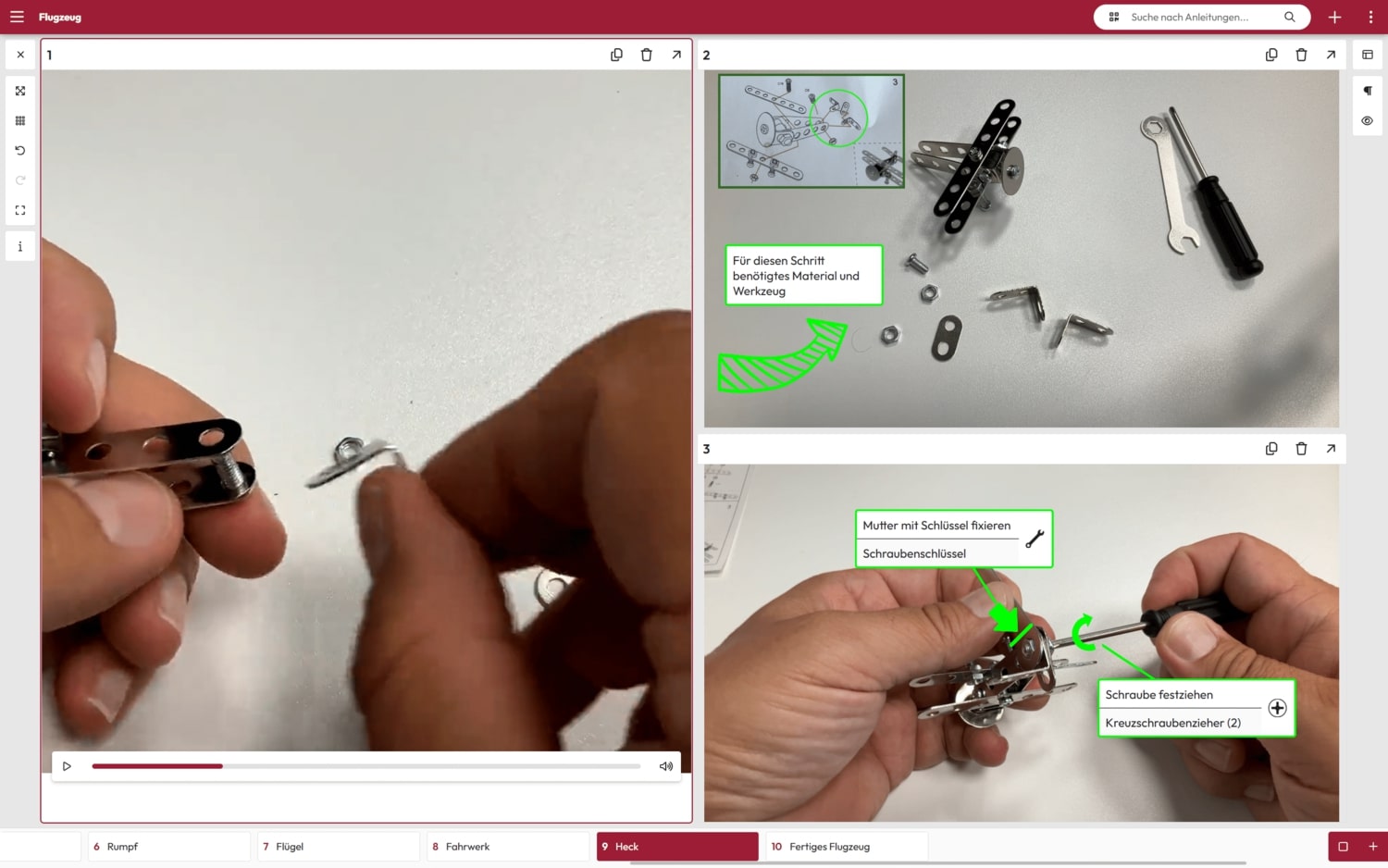
With our layouts, you can clearly combine various step media such as marker images, videos, PDF documents, 3D drawings and forms on one page. Choose from different layouts and layouts to present your content in the best possible way.

All content can be displayed in full-screen mode if required and edited like individual media with the full range of functions – for maximum flexibility and intuitive handling.

Screenshot: Layout with video and marker image
Screenshot: Step media iFrame

Integration of external content

With iFrames, external content can be integrated directly as steps in a guide. This avoids redundant content and ensures that the data is always up to date. Do you have special data formats or external apps that you would like to integrate? – Contact us – together we will find the optimal solution!

Global documents

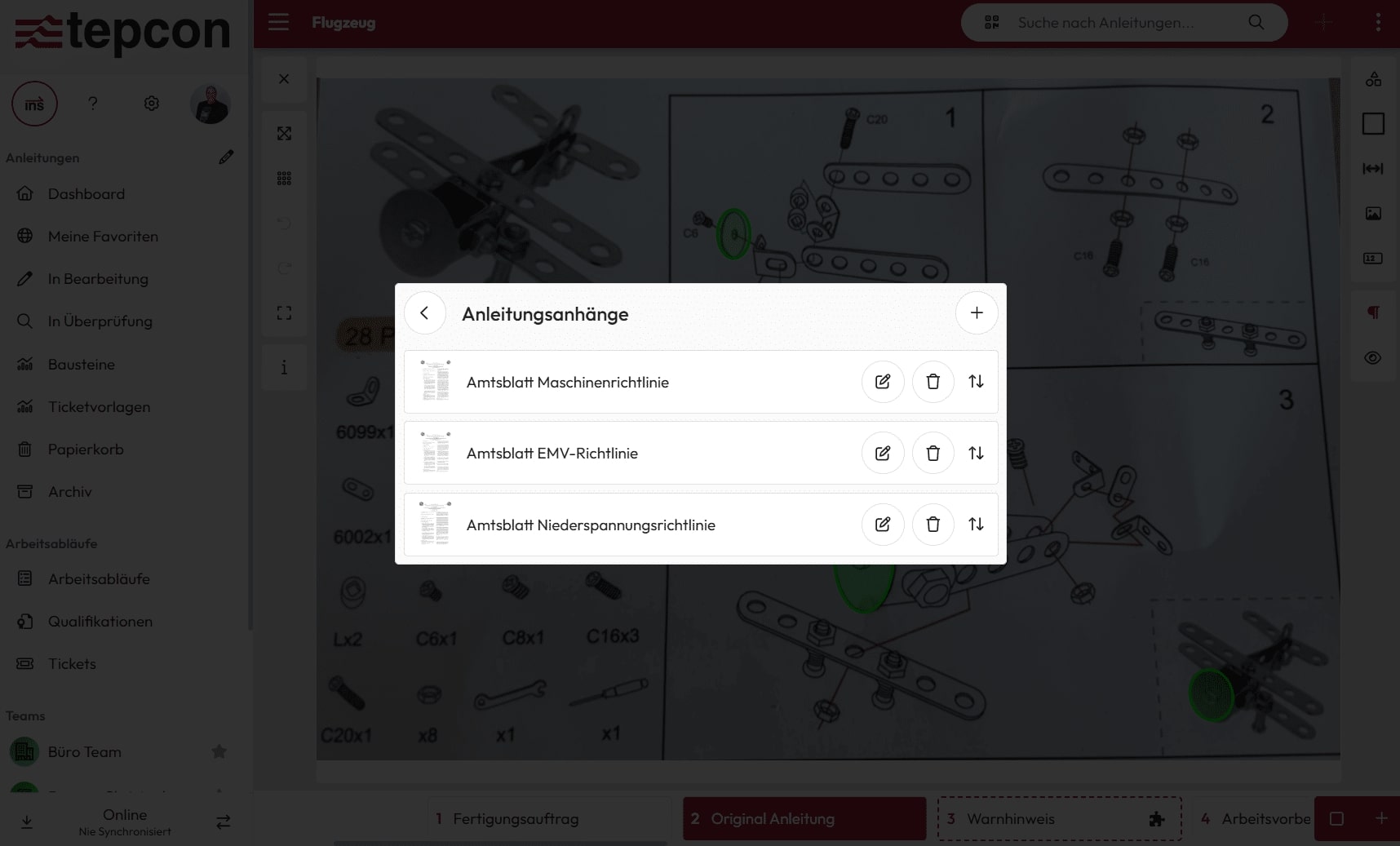
With the global documents, you can manage important documents such as flow diagrams, circuit diagrams, technical documentation or operating instructions centrally and release them specifically for individual instructions.

These documents are available at any time, regardless of individual work steps or instructions – so your users always have exactly the information they need at their fingertips.

Screenshot: Global documents