


The range of functions at a glance
- instructor KI
- Step media
- Checklists & Forms
- Test instructions
- Building blocks & variants
- Search & retrieval
- Orders
- Workflows
- Ticket system
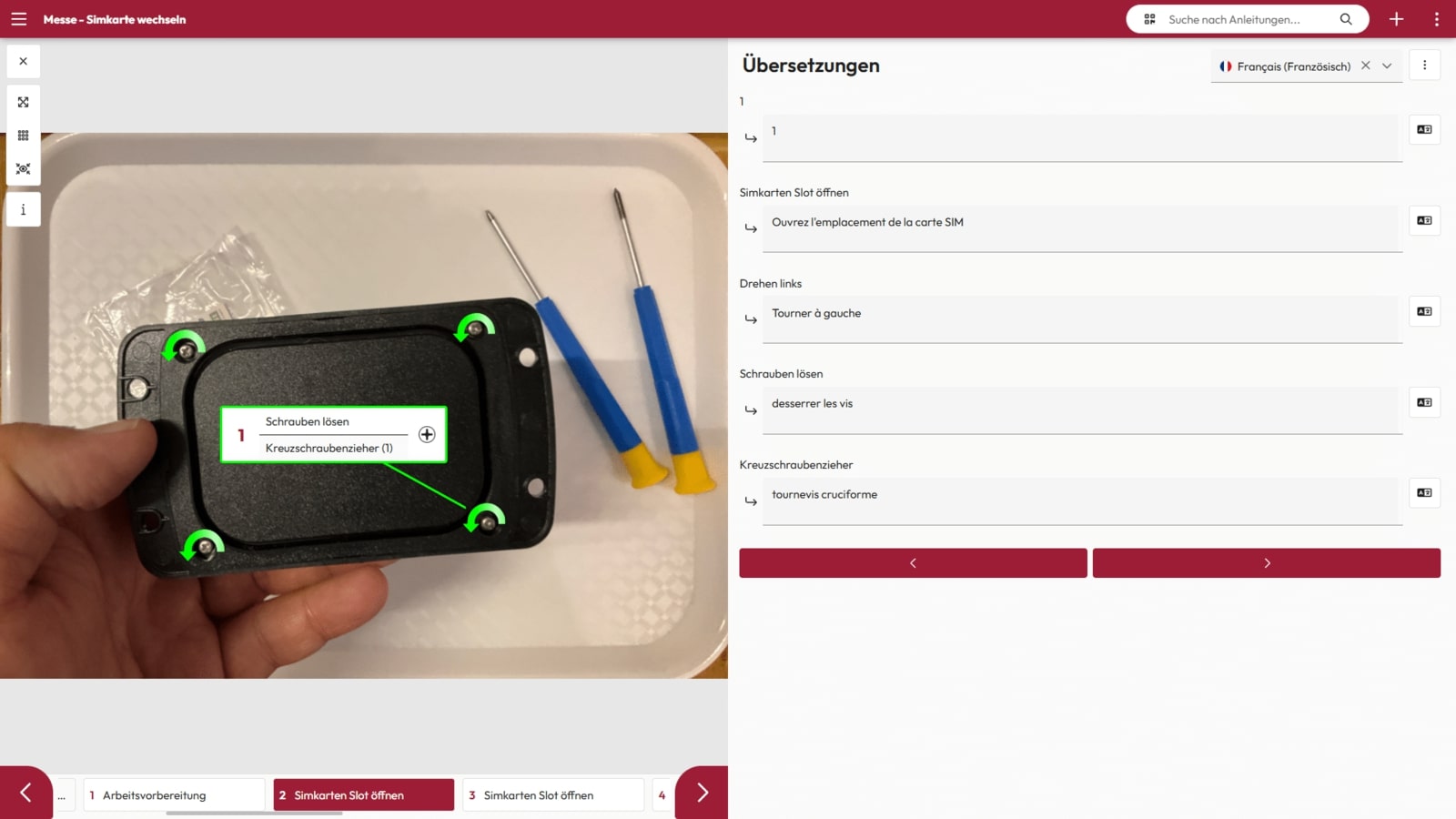
- Multilingualism
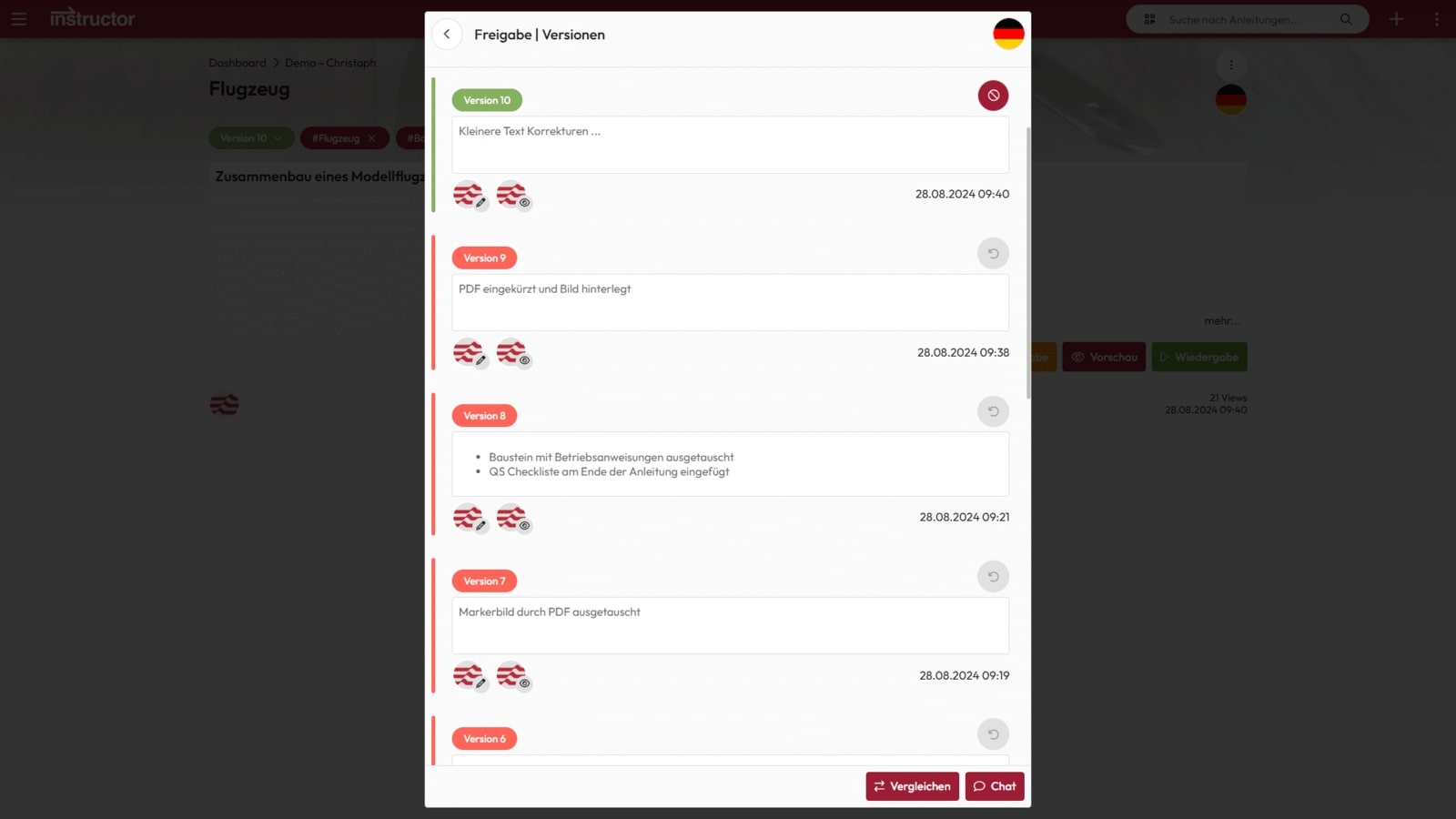
- Versioning
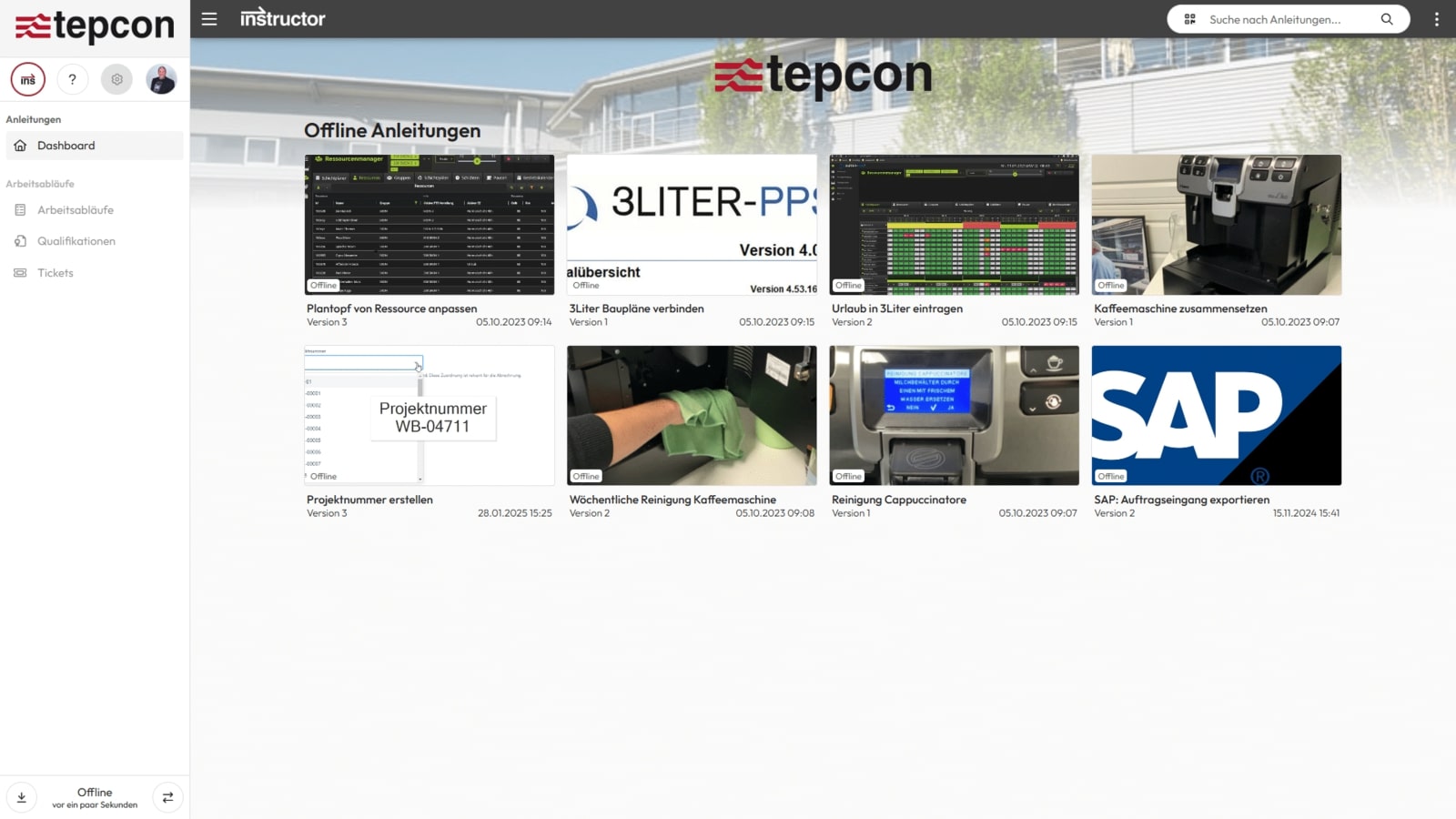
- Offline availability
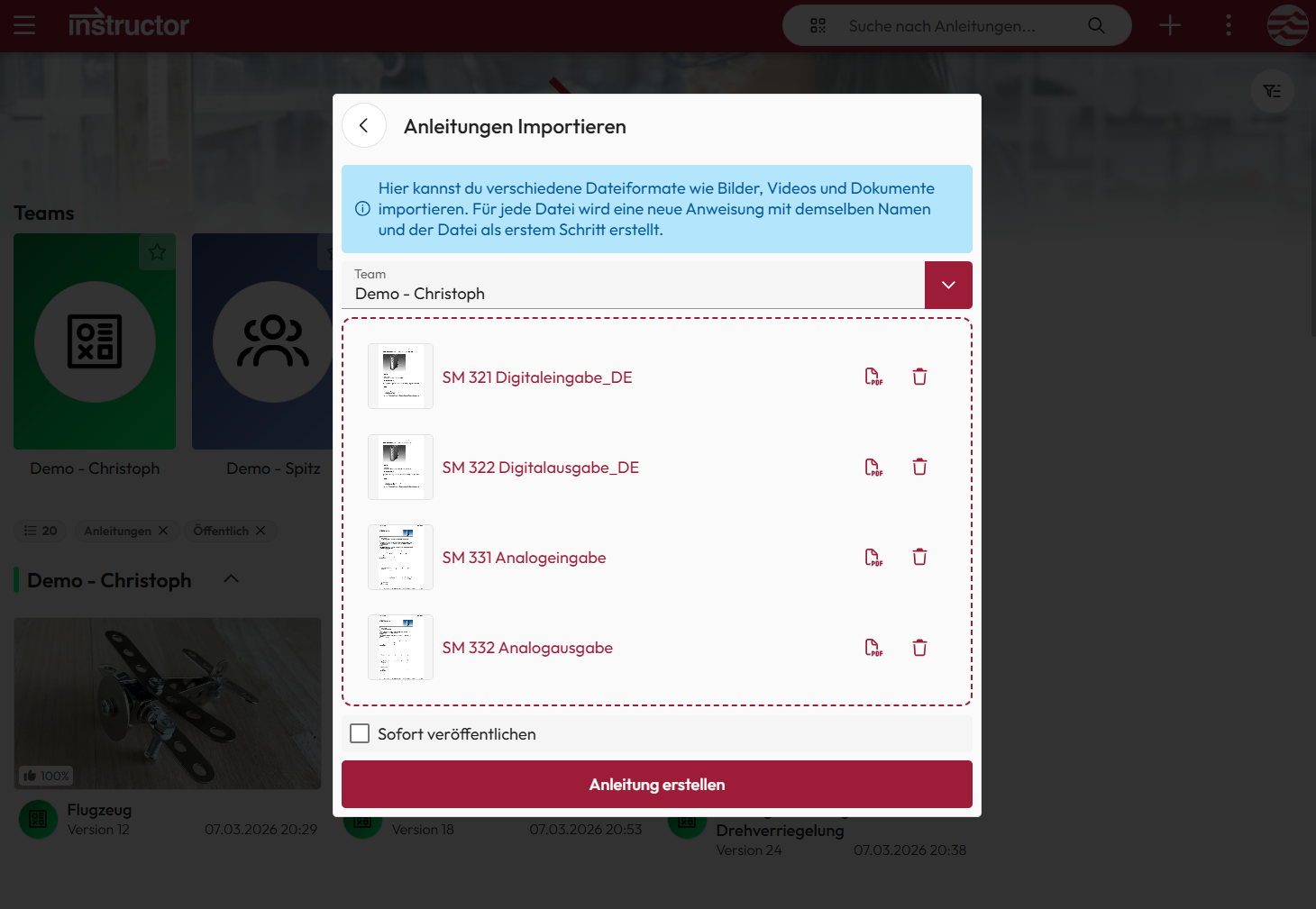
- Import
- Export
- Analytics
- Administration
- Interfaces
instructor KI
The instructor AI analyzes the visual content and combines it with the text information to automatically generate a clear, understandable text suggestion.
This not only saves time, but also ensures consistent, error-free instructions. This makes documentation simpler, faster and more efficient.

Step media
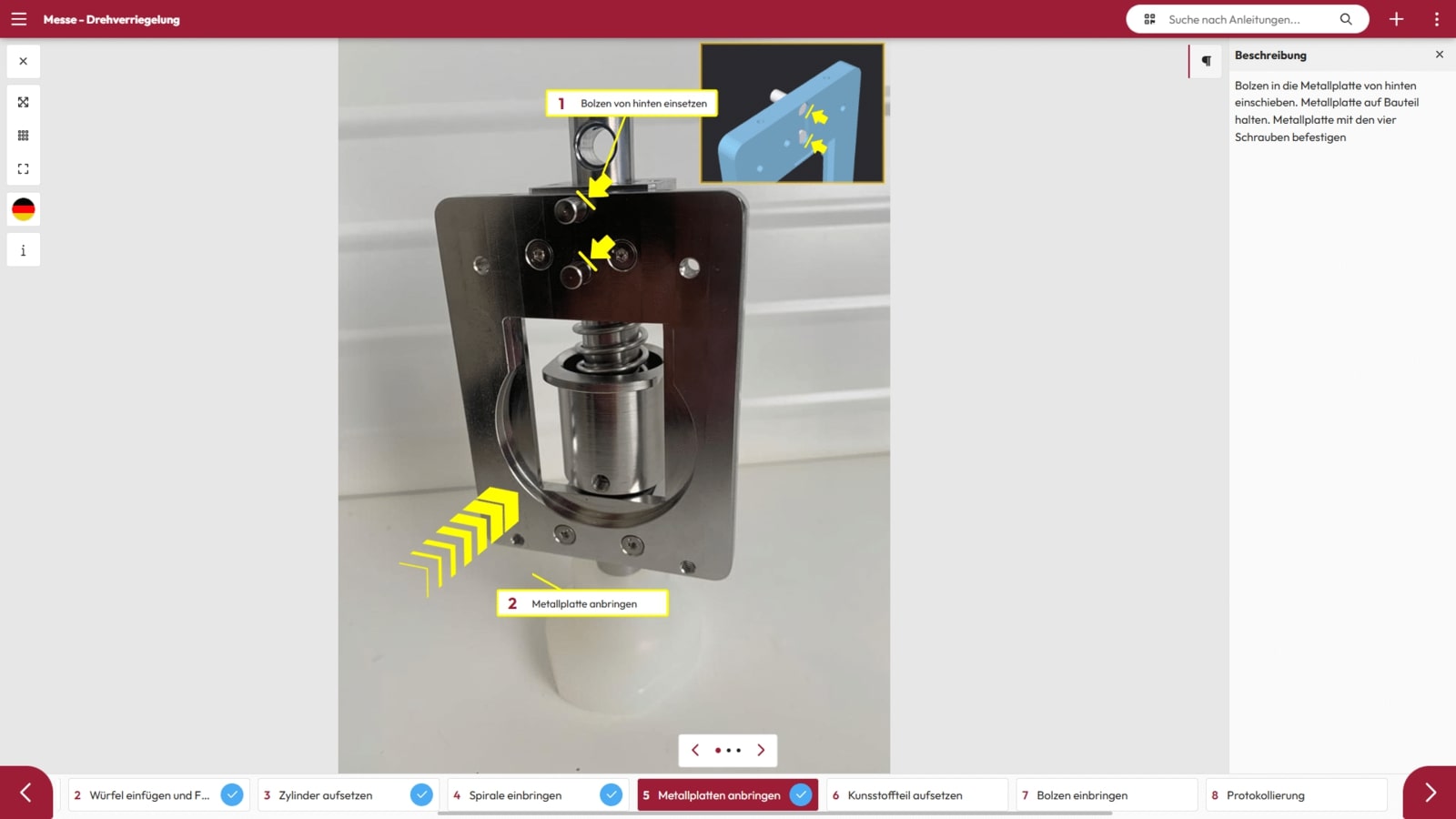
Marker images, videos, PDF documents, 3D content and work instructions can be created or integrated with just a few clicks. This means that no questions remain unanswered and processes can be designed efficiently and comprehensibly.
Checklists & Forms
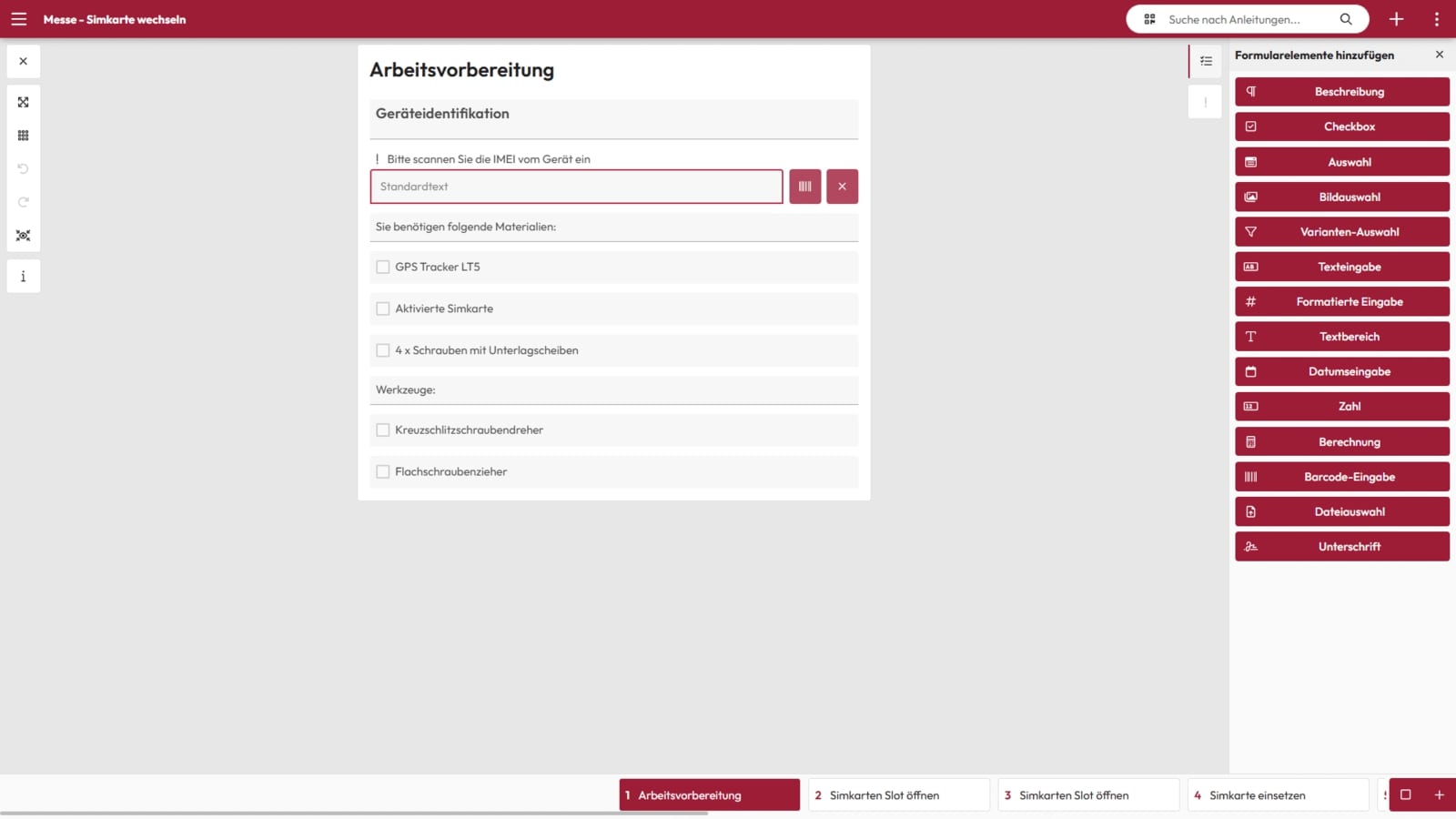
With the form function, you can create logs, checklists, activity reports, suggestions for improvement and other forms in just a few minutes.
These can be flexibly integrated into your step-by-step instructions and thus ensure seamless documentation and process control.
Test instructions
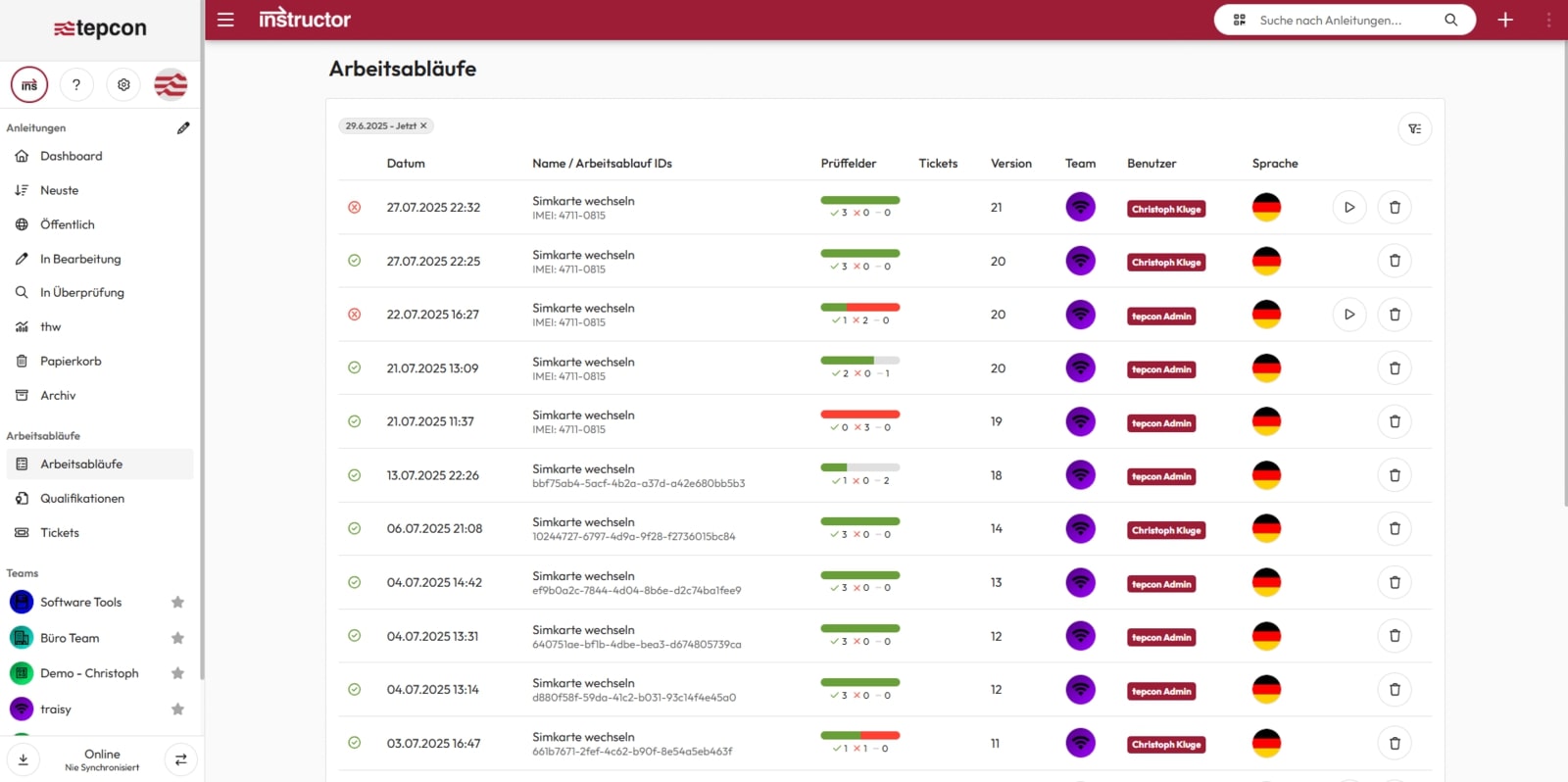
With the test fields in the instructor, you can create clear and structured test instructions in no time at all without any programming knowledge.
This allows you to document each test step in a traceable manner and ensure that your employees always work according to the same tested specifications.
Building blocks & variants
Frequently used work steps can be saved as modules and reused in different instructions. Changes to these modules can be automatically updated in all instructions with just a few clicks.
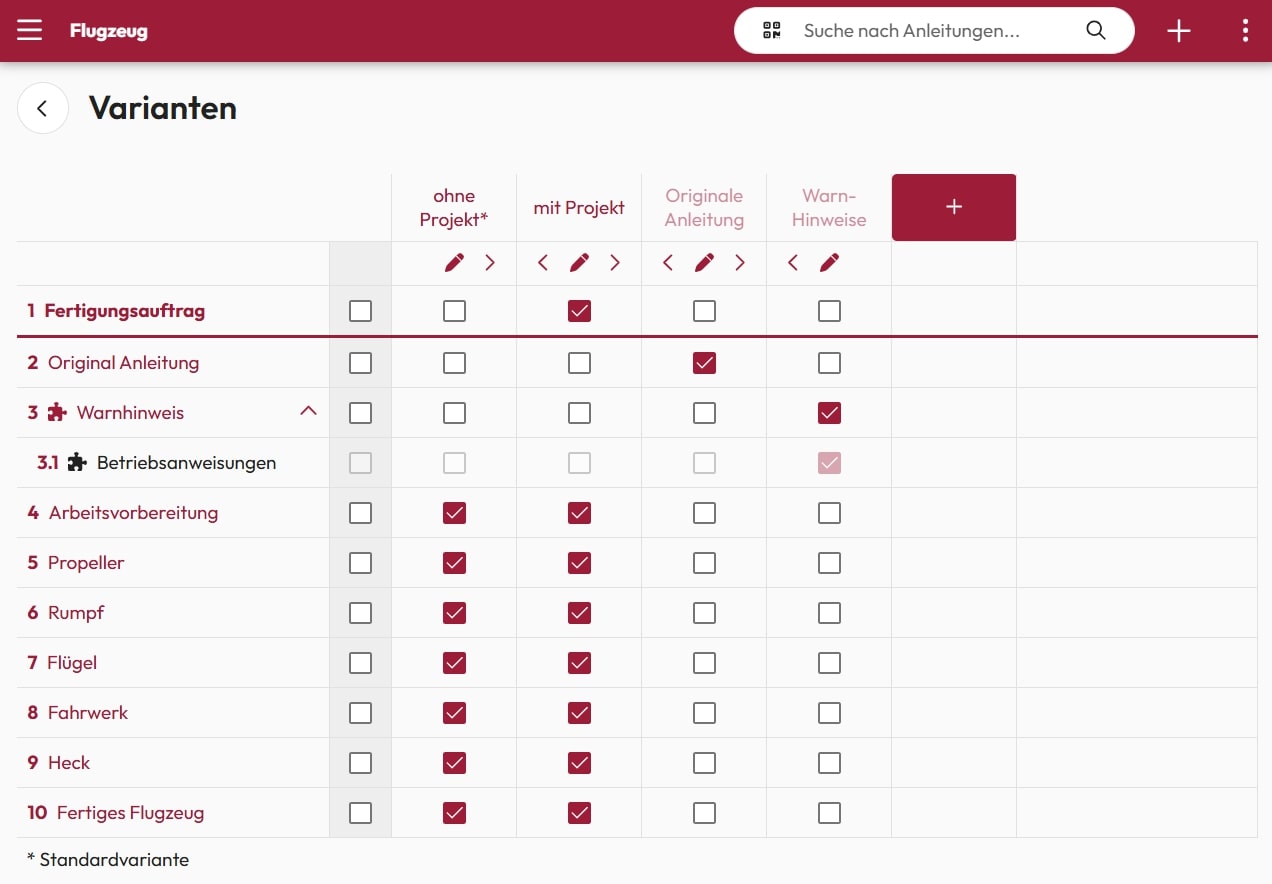
Thanks to variant management, different product variants can be mapped in a single set of instructions. This means that employees only ever see the work steps relevant to their specific variant, which increases efficiency and comprehensibility.
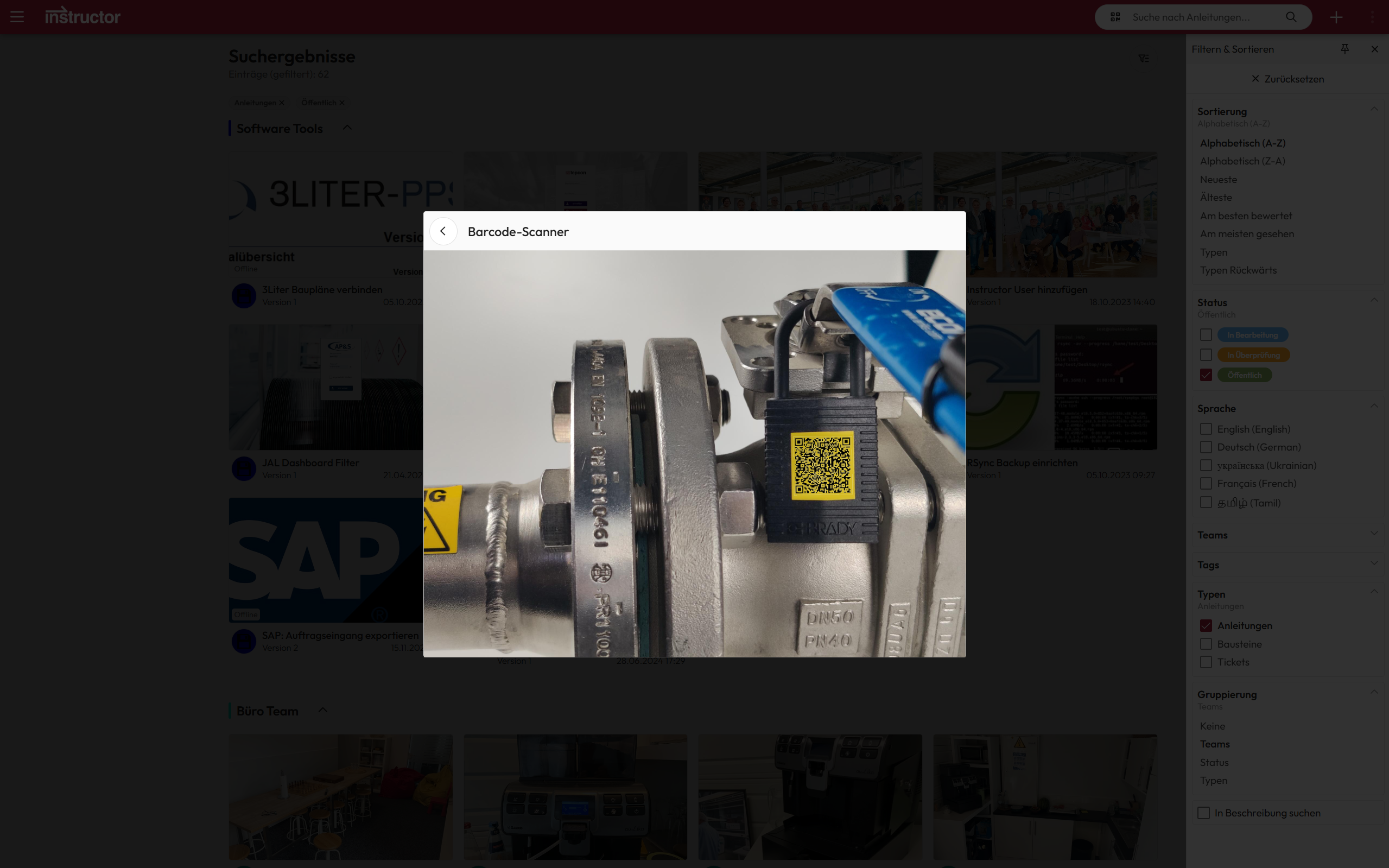
Search & retrieve instructions
Our instructions can be easily accessed via QR code or barcode – simply scan and access the desired content directly. Alternatively, they can also be sent as a link via email, Microsoft Teams or other messengers. One click is all it takes to open the instructions immediately.
Thanks to intelligent labeling with tags and a powerful full-text search with filter settings, the instructions can also be found quickly and easily via the dashboard
Orders
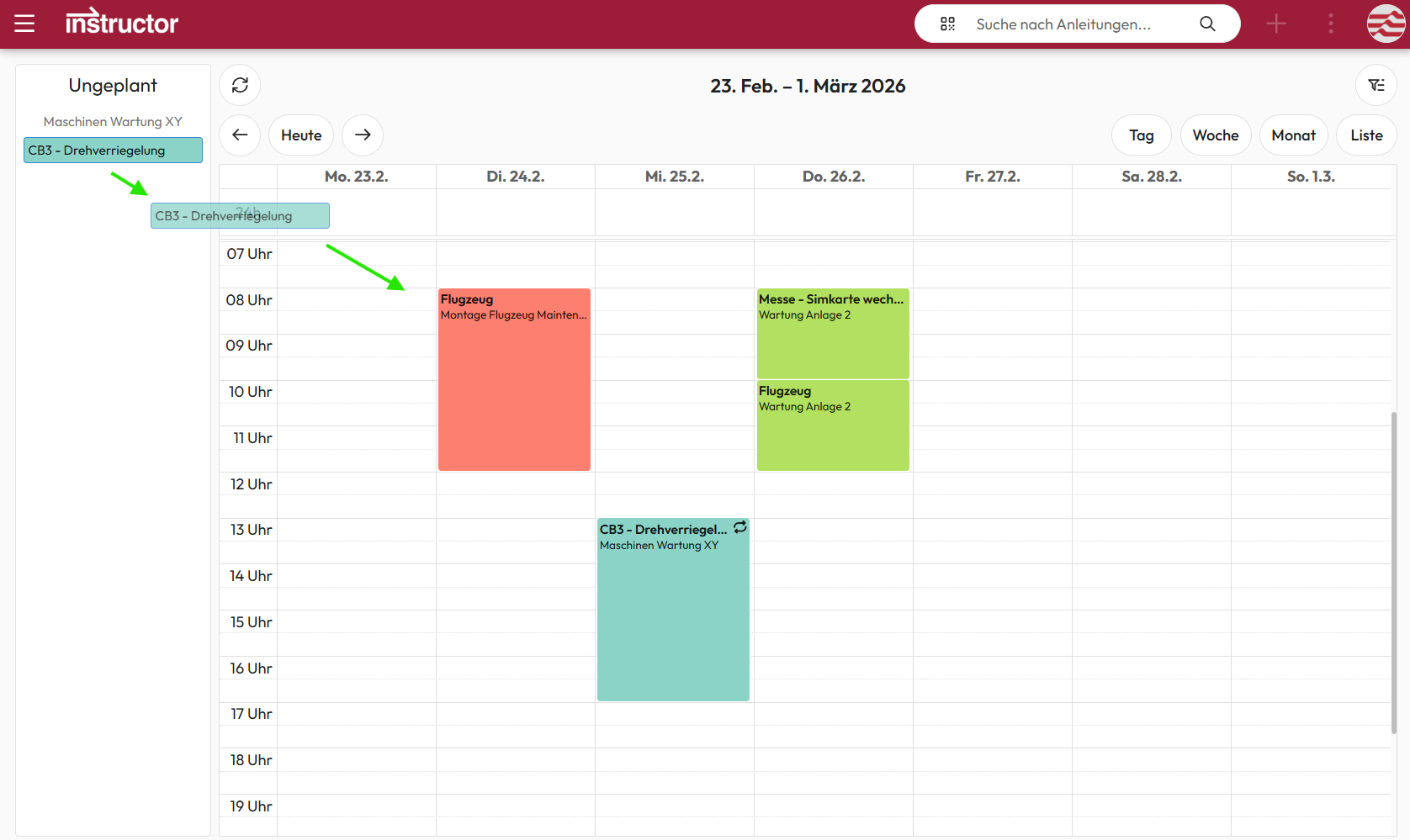
With orders in the Instructor, work processes can be structured, planned, assigned, and monitored.
The system enables defining who does what and when, while also providing the corresponding digital instructions that guide users on how tasks should be performed. This helps ensure reliable processes and consistent quality over time.
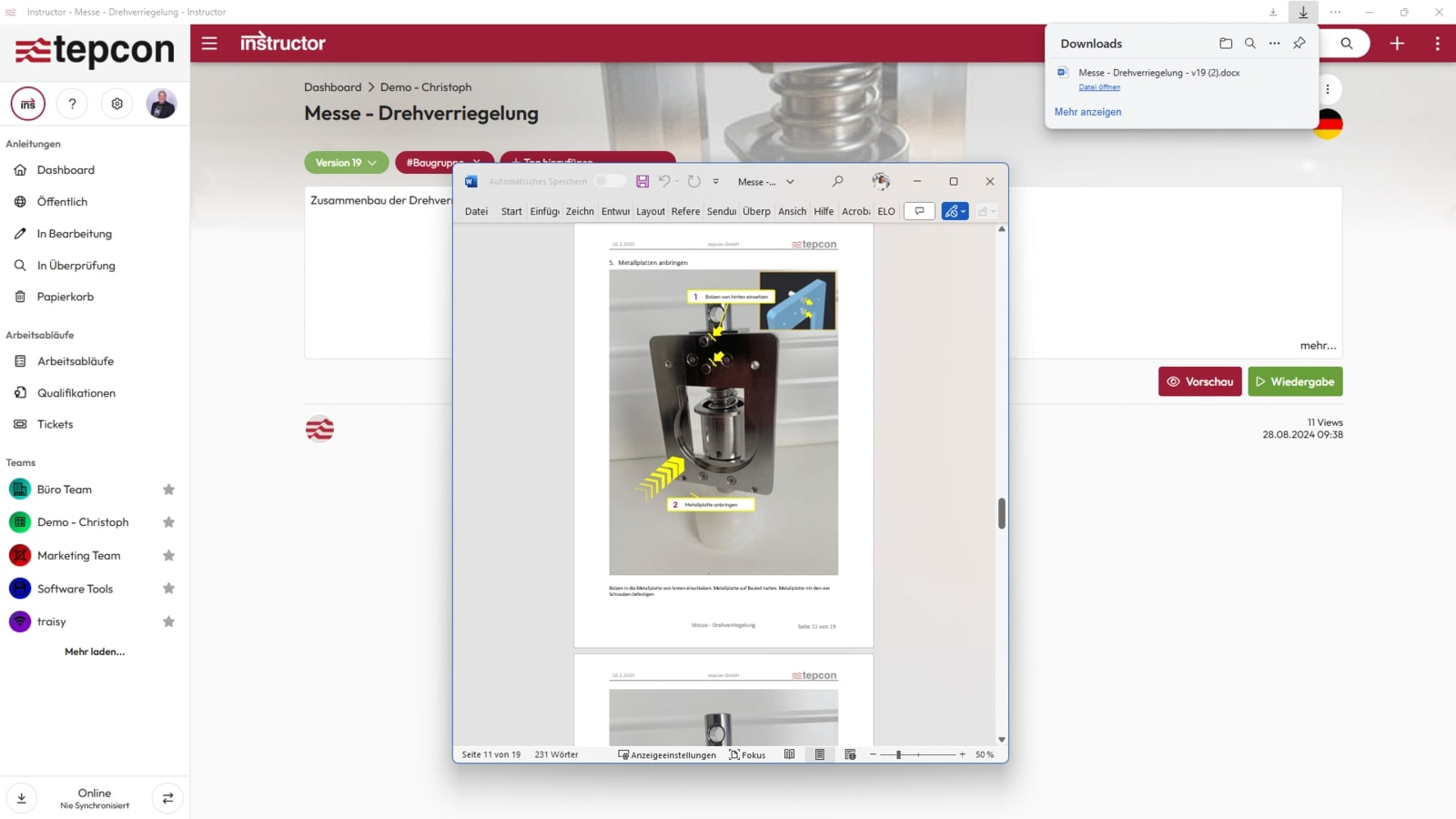
Instruction & workflow export
Instructions can be exported as Word or PDF files including marker images, work instructions and forms.
Individual Word templates in the customer’s corporate design can be easily created and uploaded. The templates are freely customizable and can be supplemented with a cover page, table of contents and tables of figures.
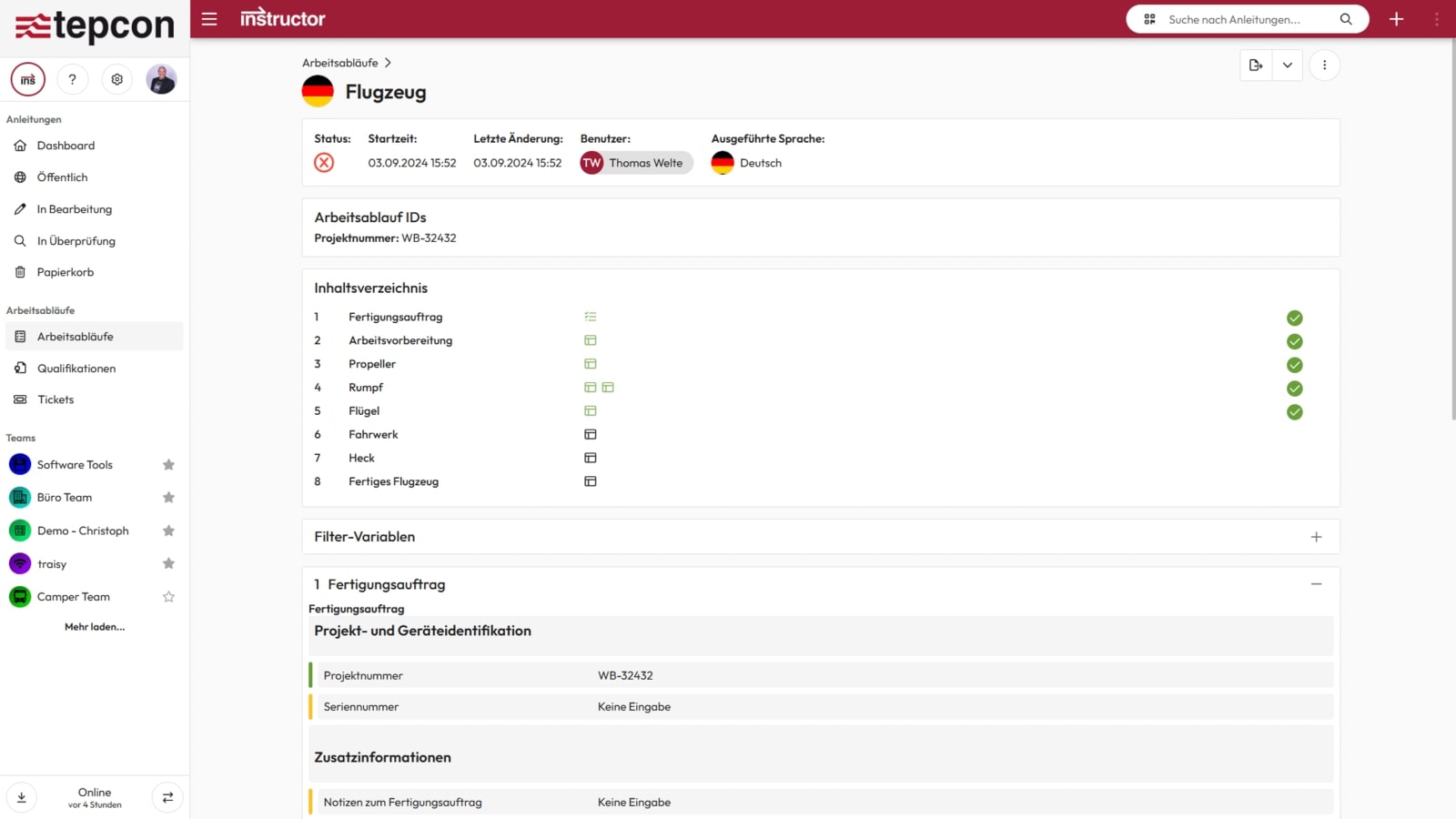
Workflows can also be exported – including all completed forms.
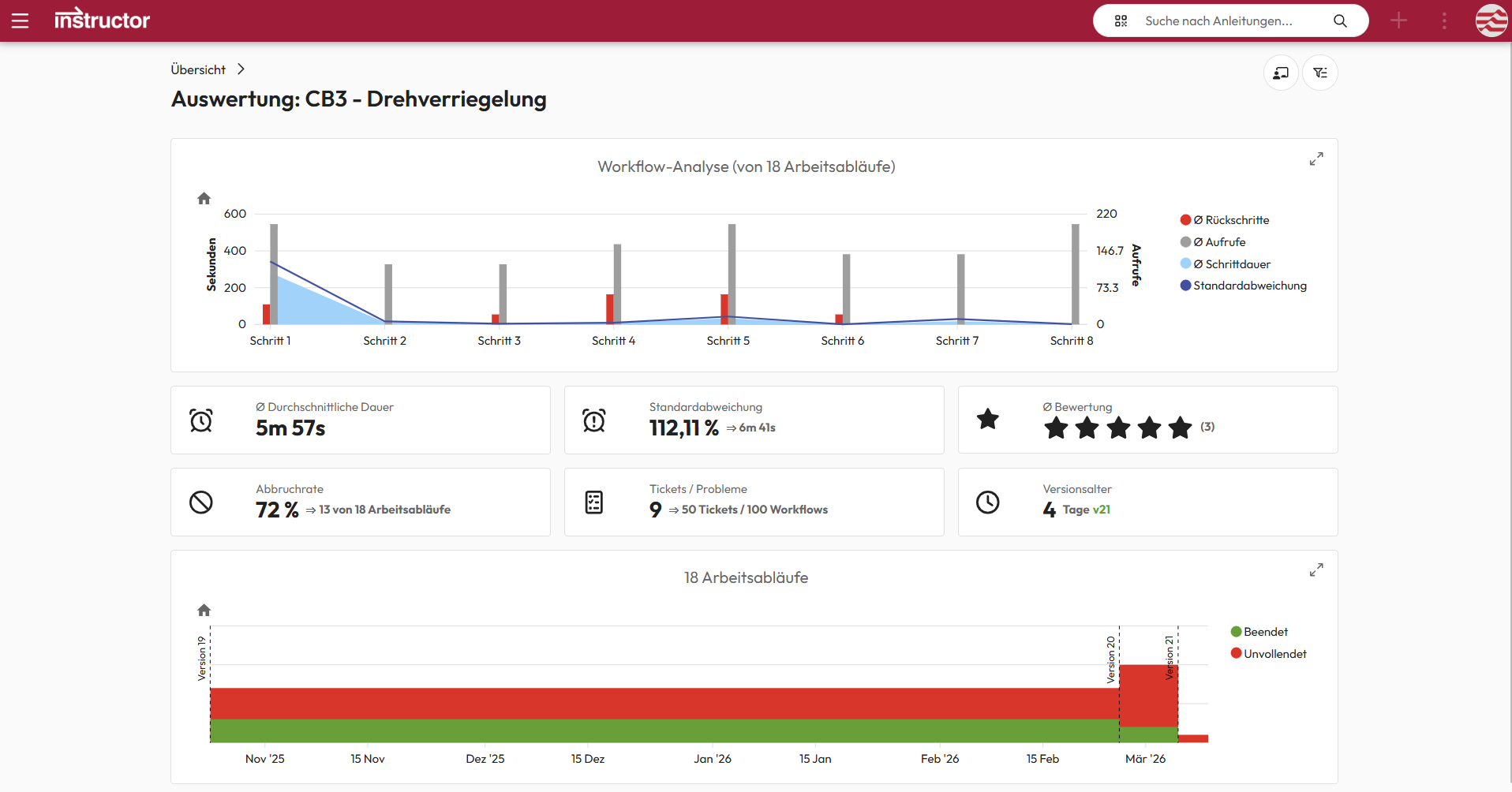
Analytics
Digital instruction analytics provide transparent insights into work processes. They help identify optimization potential and improve workflows.
This leads to higher quality, greater efficiency, and more reliable processes.
We are delighted with the trust placed in us by many satisfied customers!